
Does the Figma template you are about to use deliver the kind of editable work your project actually needs?
A polished cover can advertise a workshop board, a collection of interface screens, a presentation or a larger kit. All can help a designer or SaaS founder, but they are different starting objects. Choosing by the cover alone can leave the team with an attractive file that does not support the next task.
This guide connects four Resource Box sources with a practical selection workflow: Figma's own gallery, Craftwork, Untitled UI and The Designership. The objective is to identify the appropriate deliverable, verify its original source and record the remaining work. It does not claim that the files were purchased, duplicated or tested in an authenticated account.
Choose a template by the work you need to edit and explain, then verify what the actual source delivers.
Official public sources were checked on November 2, 2026. Existing homepage captures and a publisher-provided product preview are attributed separately. A preview is source context, not proof that its file contents, permissions or interactions meet your requirements.
Design task
Describe the deliverable before the template category
“Find a Figma template for the launch” leaves several decisions unresolved. The team might need a planning board, an interface concept, a review presentation or all three. A website-looking design file is not necessarily a published website, and a sequence of presentation frames is not necessarily a native slide-deck file.
Write down what the next recipient needs to do. Do they need to organise questions, edit a product screen or present an argument? Name the output and the receiving environment before browsing categories.
For a small project, the record can stay compact:
| Required field | Example question |
|---|---|
| Purpose | What decision or activity does this support? |
| Editable object | Which content, screen or structure must change? |
| Receiving environment | Where will the team open and continue the work? |
| Available material | What truthful content can be supplied? |
| Next recipient | Who needs to review, edit or present it? |
| Unresolved requirement | What would stop this file being usable? |
The record prevents a familiar substitution: choosing a beautiful application screen when the actual need is a board to organise a research discussion. Both belong in a design process, but one does not replace the other.
Separate the file from the promised outcome
A template can provide useful structure without proving that the resulting work is usable, complete or effective. A persona-shaped board does not establish knowledge of an audience.
A checkout screen does not implement payments. A case-study layout does not supply a real study or an approved business result.
Make that distinction explicit when a founder shares an early artifact. Label synthetic examples and identify what remains unknown. Do not fill an attractive evidence section with invented quotes, growth numbers or customer logos merely because the template offers a space for them.
The published UI kits and component libraries guide covers the deeper choice between design assets, code and system guidance. This article stays with a different task: selecting an editable starting file for a particular deliverable.
Resource kit
Four source routes with different selection jobs
Use the collection to locate relevant source material. It is not a ranking by popularity, component count or how quickly a vendor says a project can be finished.
| Source | Useful discovery role | What to establish at the exact source |
|---|---|---|
| Figma gallery | Find planning, workshop, research and design starting templates | Which product/file type opens and what the chosen template contains |
| Craftwork | Discover creator-made files and packs across design purposes | Actual included formats and deliverables, not only the catalogue category |
| Untitled UI | Investigate an editable interface-design starting file | Free versus paid contents and the selected file's requirements |
| The Designership | Investigate a specific presentation or design-support artifact | Actual file format, intended use and applicable access conditions |
Each route belongs in a different part of the selection record. Begin with the deliverable that is currently missing, then inspect a candidate rather than collecting files for every possible future task.
Figma: distinguish the destination file types
Figma's template gallery includes wireframing, planning, research, meetings and diagramming routes. Its research and design section explicitly describes FigJam templates alongside other Figma material.
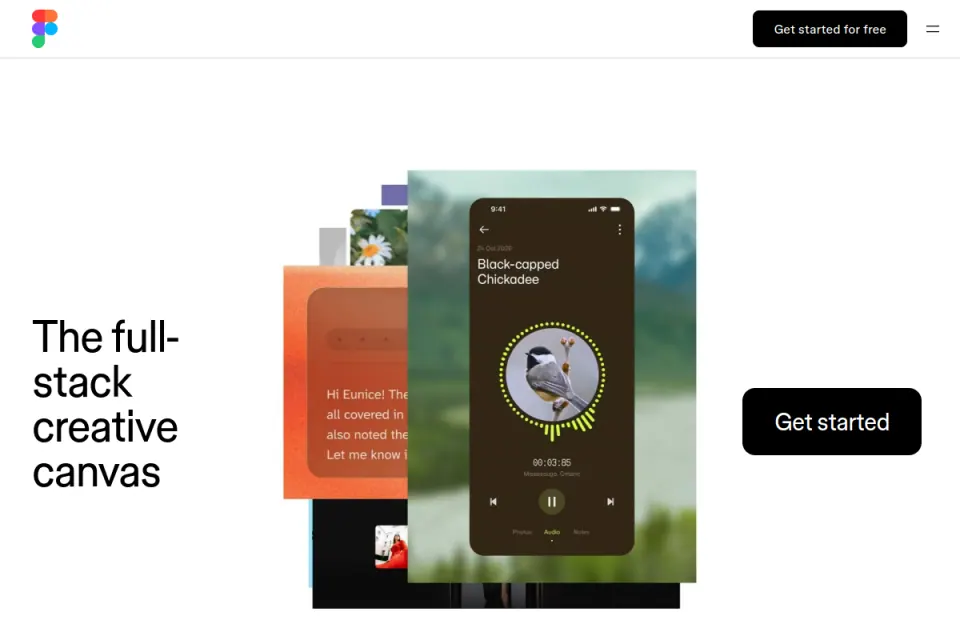
Credit: Figma and the displayed creators. Existing Resource Box homepage capture inspected November 2, 2026; original capture date not established here. This does not show an imported template or a completed project.
The official resource-discovery guide distinguishes Community resources from internal team or organisation resources. It explains that opening a template leads to the corresponding file type, with access conditions varying by resource and account.
That makes the destination a selection field. If the team expects to organise a collaborative workshop, investigate the relevant board route.
If it expects to edit a screen, establish that the selected source provides the required design object. A shared company name does not make every template interchangeable.
We did not open these resources inside an account. The public gallery and help page establish discovery routes; the specific file and account requirements still need checking when the team selects an item.
Craftwork: read the item rather than the catalogue heading
Craftwork's Figma catalogue includes interface kits, app screens, presentation-related assets and other creator-made material. The current results also contain entries described as Framer, Webflow or code templates, and individual assets such as fonts or icons.
That mixed set is a reason to inspect the actual item. “Found in the Figma category” does not establish that a download consists solely of an editable Figma design file, or that every version shown in a preview is included.
Record the delivered formats, original creator and relevant contents before selecting it. A combined Figma-and-platform offer may be useful, but the project needs to know which artifact will be used now and which is a separate implementation route.
The catalogue is suitable for discovering candidates. We have not verified every listing's internal layer structure, permissions or account access. Its visible product descriptions should lead to an exact-item review rather than become a general promise about the entire marketplace.
Untitled UI: identify the version of the design file
Untitled UI's current FAQ describes its free Figma version as a reduced kit containing global styles, basic components and a few example pages. It separately explains that some newer component, variable and layout features are outside that free version.
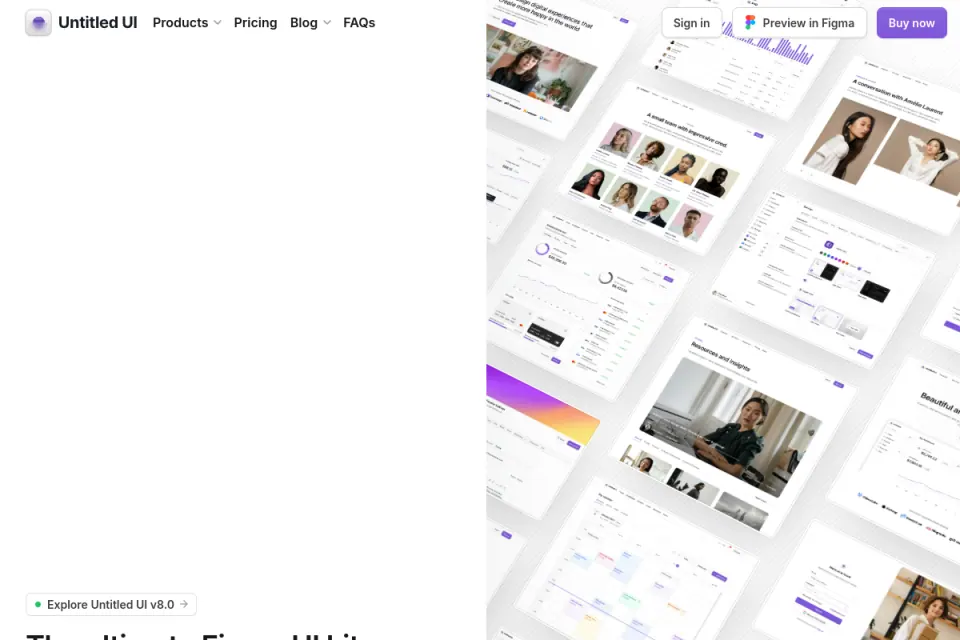
Credit: Untitled UI and credited creators. Existing Resource Box capture inspected November 2, 2026. Public source context only; it does not establish the contents of a particular free or paid file.
For file selection, the useful question is which version supplies the required editable starting material. Do not copy an enthusiastic third-party description of the whole product into a claim about the free download.
The FAQ also describes access and update routes. A vendor announcing an updated source does not establish how your edited local copy changes. Keep the selected version and original destination in the record, then check the actual update process before relying on it.
This is not another comparison of component-library layers. Once a team knows that it needs an interface design file, it still has to identify the exact version and inspect whether the necessary page and editability are present.
The Designership: distinguish a presentation design from native Slides
The Designership's UX Case Study Presentation Template explicitly identifies its file format as FIG and describes a structured presentation artifact. That is more useful for selection than assuming that every product called a presentation template opens as a native Figma Slides deck.
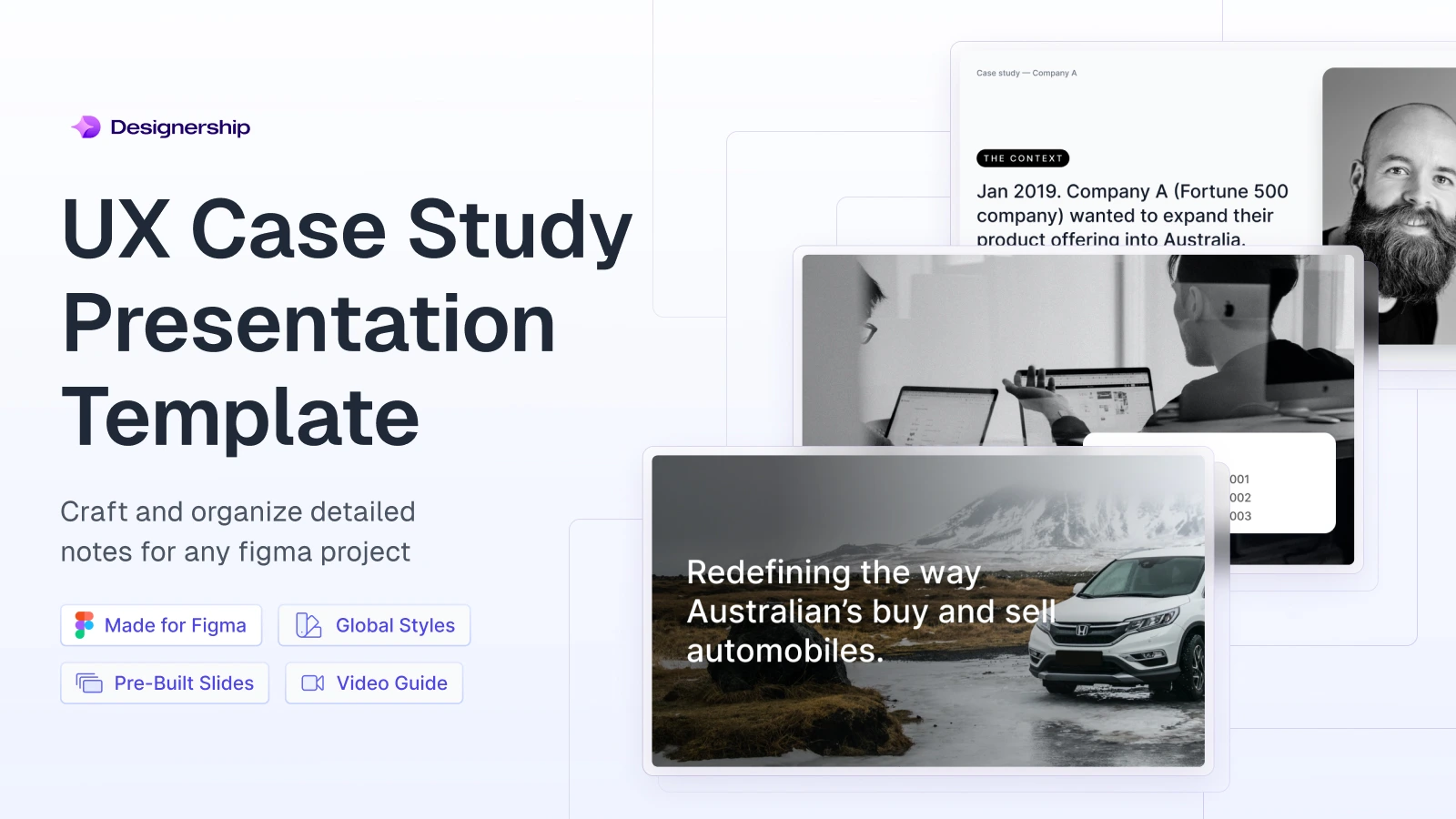
Credit: The Designership / Michael Wong and credited image creators. Original product preview retrieved from the current official page's image metadata on November 2, 2026. This is publisher artwork, not our browser capture, imported file or case-study result.
If the requirement is a particular presentation environment, verify the exact receiving workflow. The visible preview can suggest the style of the material without establishing its internal frame structure, export behavior or whether an unrelated presentation product can use it directly.
The source includes access and product conditions that should remain attached to the selected item. We did not claim blanket team access or redistribution rights, and we did not purchase or import the file. The page also contains inconsistent aspect-ratio wording, so this guide does not adopt a particular ratio as verified.
Use the template to organise truthful work. The demonstration's company story, photographs and apparent results belong to its source context, not to the designer's own portfolio or the founder's product.
How the pieces work together
Keep the project's deliverables distinct
A planning board can collect open questions. A design file can make a proposed interface visible.
A presentation can explain a decision and its limitations. They may support one project without becoming one interchangeable file.
The useful connection is the information passed between them. A question on the board can identify what the concept must explore.
The concept can identify what needs explanation in the review. Neither transition should manufacture missing research or transform a proposed interaction into an observed result.
Choose a starting file for each necessary deliverable, then remove anything the project does not need. There is no requirement to assemble a large asset bundle or adopt every source in this collection.
Retain a source record with the editable work
Keep the original URL, creator, item name, selected version, applicable agreement and dependencies together. Add the receiving file type and what was actually inspected.
A short source record helps another person understand whether the team downloaded a design file, duplicated a board or merely saved a reference image. Those states are different, even when the cover looks similar.
It also prevents ambiguous ownership. The team can explain its adaptation and original contribution while continuing to credit the source. An edited file is not automatically permission to redistribute the underlying template, fonts, photos or component assets.
Limitations and alternatives
Verify actual editability without assuming it from the preview
A public image cannot establish whether text remains editable or whether a layout uses reusable components. A file description can identify intended features while leaving particular content and resizing behavior to inspect.
When the team obtains the selected file through an appropriate route, try an ordinary edit: a longer heading, a different image or a missing optional section. Inspect the resulting structure rather than declaring the whole template suitable because its initial screenshot is polished.
These are proposed checks. No authenticated editing exercise was conducted on the source files in this guide, and no particular layer, variable or responsive behavior is represented as tested by Upslide.
Keep dependencies visible
The desired typography may require a font that the receiving person does not have. Imagery can be a demonstration asset. An instance may refer to an external component library or another account resource.
List the dependencies that matter to the selected work and establish a valid replacement when one is unavailable. Avoid flattening essential text just to make the missing-font warning disappear; that changes what the next person can edit.
Likewise, a file that relies on an additional account feature may be unsuitable for the intended recipient. Verify the actual requirement before organising the project around it. We have not published a complete plan-entitlement comparison for all four sources.
Starting from scratch can be the smaller task
A template is useful when it reduces relevant setup without forcing the wrong structure. If the project requires only a compact board or a few clearly labelled frames, a simple original file may be easier to understand than a large unfamiliar kit.
Compare the work necessary to reach the intended deliverable. A free download can still require substantial inspection and adaptation; a paid asset still needs its item-specific conditions checked. Price and page count do not settle the editing task by themselves.
For an early interface structure, the published free wireframe tools guide offers different starting routes. Keep tool selection separate from finding a specific editable template in the chosen environment.
Worked example
Select for three fictional deliverables
Consider a fictional SaaS team called Northpass preparing to discuss a new invitation experience. The available input is a short product brief, an unfinished interface concept and a list of open questions. There is no completed user study or measured rollout result.
The team needs three deliverables: a board to organise the discussion, a screen to explore the invitation state and a short presentation explaining the next decision.
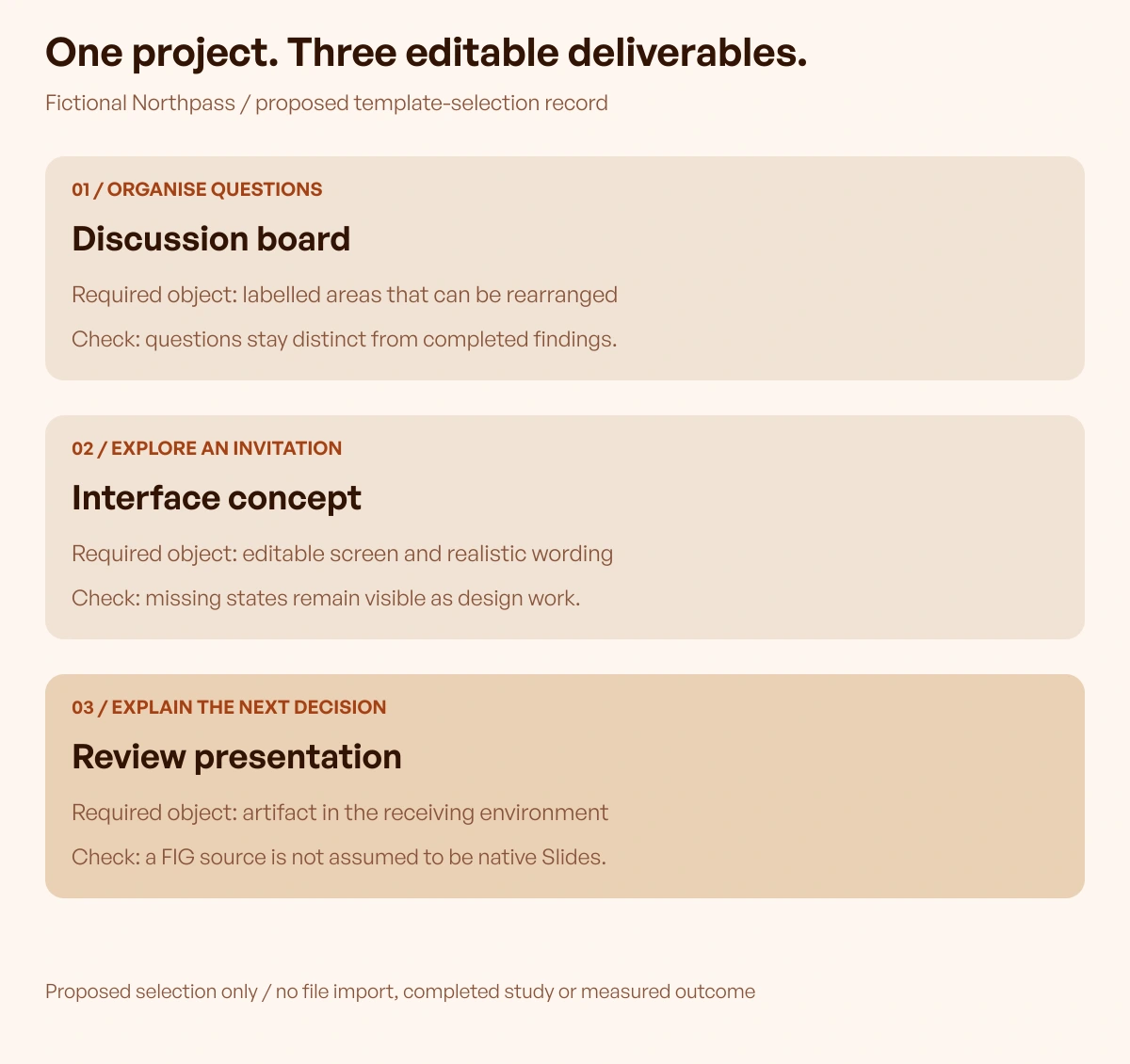
Original fictional exercise by Upslide Design Studio. Proposed deliverables and checks; no files imported and no completed study, presentation trial or business result.
| Deliverable | Required editable object | Candidate route to investigate | Acceptance question |
|---|---|---|---|
| Organise open questions | A board with labelled discussion areas | Relevant Figma/FigJam gallery source | Can the team arrange questions without presenting them as findings? |
| Explore an invitation state | An editable interface concept | Appropriate Craftwork item or Untitled UI version | Can realistic wording and missing states be represented accurately? |
| Explain the next decision | A short presentation artifact | Exact Designership FIG source or an appropriate native-deck alternative | Does the receiving environment match what the reviewer will use? |
This record proposes routes; it does not claim that any listed file has passed the acceptance checks. The team should inspect a specific candidate and replace the provisional entry with actual evidence.
Review what would make a candidate fail
A board that is only an image cannot support the required rearrangement. An interface concept that cannot accommodate the real invitation explanation may create more reconstruction than a simple original screen. A presentation file that does not fit the required environment may need a different source.
Those are reasons to change the selection, not to disguise the mismatch. Preserve the open question when a necessary check cannot be completed.
The same discipline applies to content. If a presentation template contains a research-results section, Northpass should label the absent study honestly or remove the section. It should not turn its open questions into fabricated participant quotes.
Inspect one ordinary revision before expanding the file
Ask the intended editor to make one relevant change in the selected artifact and explain what they changed. Record any missing dependency or unclear structure. Keep that observed editing check separate from a completed usability study of the product concept.
Then decide whether to continue with the source, use a different starting file or create the smaller required artifact from scratch. The useful selection result is a deliverable the team can legitimately edit and explain, with unresolved requirements visible.
Inspire's daily references can support a visual discussion. Keep their role as references distinct from an editable template or evidence that the proposed product works.
Frequently asked questions
Does every Figma template open in Figma Design?
Check the exact destination. The broader Figma resource ecosystem includes different products and file types. A planning board, interface-design file and native slide deck support different tasks even when they are discovered through a related gallery.
Is a FIG presentation template the same as a native Figma Slides deck?
Do not assume equivalence from the word presentation. Check the source's stated format and the required receiving workflow. The Designership item examined here explicitly lists FIG; its public preview does not establish an imported native Slides experience.
Can a free version be assumed to include the whole product?
No. Inspect the selected version's contents.
Untitled UI's official FAQ distinguishes its reduced free kit from newer features in its broader offer. A third-party roundup or a homepage image should not replace that source-specific check.
Can the same template be used by the entire team?
Check the applicable access and agreement for the item, including any relevant fonts, libraries and imagery. A download or duplicate button alone does not establish every sharing or redistribution permission needed by the project.
Do large duplicate counts prove that a file is well tested?
They indicate activity around a source, not proof that your required edit, device or deliverable has been evaluated. Inspect the actual candidate with your own content and record what was observed instead of converting popularity into a quality guarantee.
Should a template's example research and results be kept?
Only use truthful, permitted material appropriate to your own work. Example personas, quotes, company stories and metrics do not become evidence about your product because they are included in a layout. Label synthetic content or remove sections that cannot be supported.
When is an original file a better starting point?
When understanding and adapting the template would exceed the work needed for the actual deliverable. A small board or a few clear frames can be sufficient. Compare the required editing and explanation rather than assuming more included pages always means greater value.
Key takeaways
- Define the editable deliverable and receiving environment first.
- Inspect the original item, version, dependencies and access conditions.
- Keep source previews distinct from tested file contents.
- Pass truthful information between boards, concepts and presentations.
- Select through an ordinary revision, with unresolved checks recorded.
Start with one deliverable and its source record. At Upslide, we teach interface design and Figma through our free UI/UX course. Apply the same template criteria to any source or learning route.