Which AI image generator should you choose when the next deliverable is a website illustration, an editable campaign graphic or an early visual direction? Those jobs need different kinds of control, even when their first previews look equally polished.
The useful selection begins with the file the team must deliver and the change it expects to make later. A designer should be able to explain both before committing to a generation workflow.
This guide compares seven resources through official capabilities and inspected public previews. It includes an original deliverable worksheet for a fictional SaaS campaign; no generated-image benchmark, tool installation or comparative quality test is claimed.
Design task
Define what will be handed over
“An image for the launch” leaves important decisions unresolved. A single flattened visual, a reusable vector illustration and a layout with changeable copy may look similar in a presentation while creating different production work.
Write the deliverable as a practical sentence. For example: a wide supporting illustration for a launch page, with a separate editable headline and a source that can be adapted for a narrow campaign card.
Then record:
- Visual purpose: What the image helps explain or establish.
- Required source: Pixels, editable paths, a layered composition or a combination.
- Existing material: Approved references and assets the team can use.
- Expected revision: The change most likely to arrive after review.
- Placement: The surrounding layout and intended display conditions.
- Approval: Who checks factual content, use conditions and the finished file.
A useful first image should have a credible route to the next required version.
Separate a model from the creative workspace
The model generates or transforms visual material. The surrounding product determines how the team supplies references, edits an area, manages versions and exports an asset.
Several resources in this guide provide more than one model. A platform-level recommendation therefore needs a second decision about the actual model and controls available for the job.
Record that choice rather than treating every result from a workspace as equivalent. A reference or editing feature available in one route shouldn't be assumed to exist in every model offered beside it.
Distinguish exploration from evidence
A generated concept can suggest mood, material or composition. It doesn't establish that a SaaS feature exists, a customer obtained a result or a photographed object was physically produced.
When an image represents a real product, preserve the authoritative interface or artwork separately. Creative imagery can support the message without becoming the evidence for that message.
Resource collection
Compare seven resources by the decision they support
The table summarises documented capabilities rather than ranking image quality. Official pages were checked on November 2, 2026; prices, access, model choices and use conditions still need confirmation for the selected account.
| Resource | Relevant documented capability | Selection question | Important boundary |
|---|---|---|---|
| Recraft | Image and vector generation, custom styles and editing | Does the deliverable need editable vector material or a reusable visual direction? | Check the actual export and generation-plan conditions |
| Ideogram | Image creation/editing and detected-text layers in Studio | Does the artwork contain wording that must be revised? | Detected lettering and reconstructed background need inspection |
| Adobe Firefly | Text-to-image creation with reference and editing routes | Does generation fit the team's image-editing workflow? | Identify the specific model and applicable plan |
| Krea | Generation, image editing, realtime and reference-oriented tools | Does the team need to explore several models or a visual canvas? | Controls and usage depend on the chosen route |
| Leonardo.Ai | Text/image inputs, model selection and refinement | Can the team carry an input through the required revisions? | Public/private access and model control differ by plan |
| FLORA | A creative canvas connecting models and visual workflows | Would a connected exploration help communicate the process? | A visible workflow isn't a guarantee of identical model access |
| Midjourney | Web creation, reference categories and editing tools | Does the reference-led creation process fit the exploration? | Review subscription and visibility settings before project use |
Recraft: inspect the editable output
Recraft describes image and vector generation, custom styles and a studio with editing and mockup capabilities. Its vector offering makes it a candidate when editable shapes are part of the actual handoff.
The export should still be opened in the receiving application. A vector file needs usable structure and a sensible editing path; a filename ending in SVG alone doesn't prove that the asset meets the brief.
Its current plan FAQ states that free-plan images are owned by Recraft, publicly visible and not licensed for commercial use. A free exploration route therefore shouldn't be treated as automatic permission to ship a client campaign.
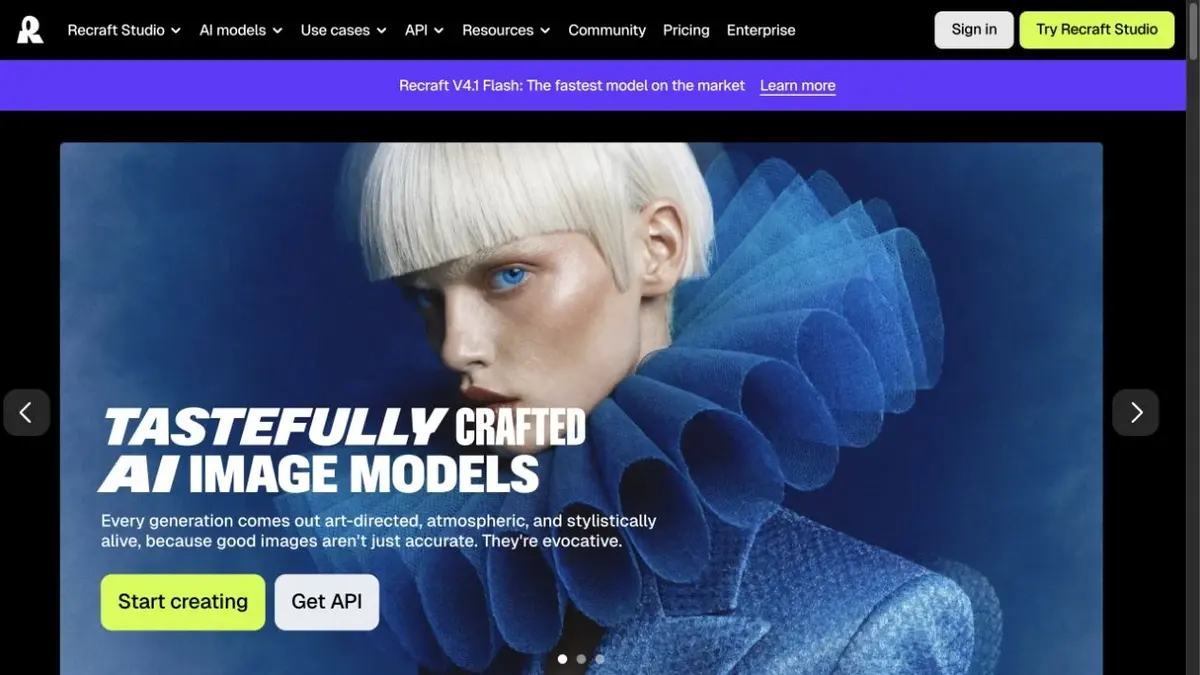
Actual public-page capture from November 2, 2026. Credit: Recraft. The provider's promotional artwork and performance language aren't Upslide-generated results or independently verified claims.
Ideogram: understand what becomes editable
Ideogram presents image creation and editing alongside specialised applications. Its Layerize Text page describes detecting lettering in a raster image and recreating it as editable text layers in Studio.
The same page explains an important limitation: the area beneath detected words is reconstructed, and the remaining artwork stays an image. This isn't automatic recovery of the original editable design file.
The workflow is worth evaluating when wording must change, but the team should compare the reconstructed result with the source. Current plans also distinguish access and private-generation arrangements; a feature description shouldn't be read as proof of a particular account's entitlement.
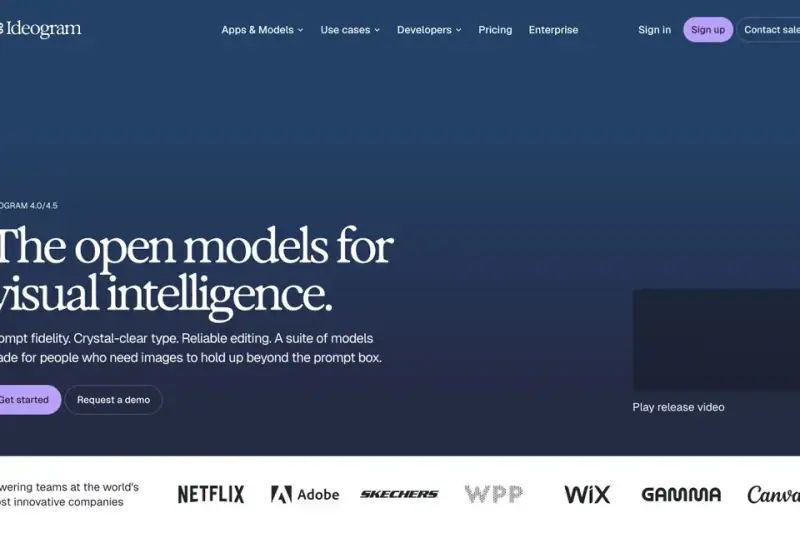
Existing Resource Box capture, visually inspected. Credit: Ideogram. This public introduction doesn't demonstrate the quality of extracted lettering or a finished editable campaign.
Adobe Firefly: select the actual generation route
Adobe's image-generation page documents text-to-image creation and links image-reference, editing and partner-model routes. That combination makes it relevant when generation is one part of a wider image-production process.
The selection should name the model and the next editing step. Availability inside an Adobe-branded workspace doesn't make all models or output conditions interchangeable.
Review the current plan comparison against the actual account and region. This guide doesn't turn a vendor's commercial-safety language into a blanket guarantee for every model, input or final use.
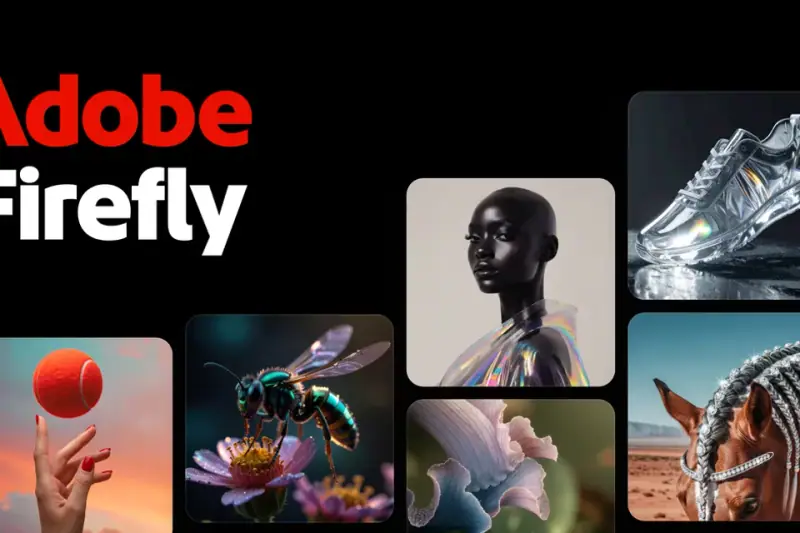
Existing introductory artwork, visually inspected. Credit: Adobe Firefly. It illustrates the provider's presentation rather than an image created or tested for this guide.
Krea: separate exploration controls from export needs
Krea lists image generation and editing, a realtime route, reference-oriented tools and multiple model options. These are useful areas to investigate when the team wants to develop a visual direction rather than accept the first composition.
The evaluation should still return to the delivery requirement. A productive exploration canvas doesn't automatically produce the editable file or exact asset structure required by the next person.
Check the selected model and the current plan. Usage units, available controls and export choices should be recorded for that route rather than generalised from the workspace's feature list.
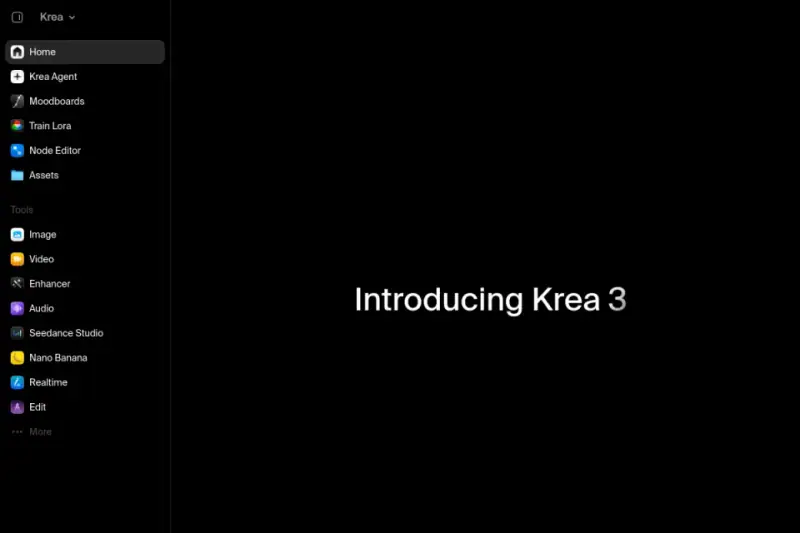
Existing public workspace-introduction capture, visually inspected. Credit: Krea. Its navigation isn't proof that every displayed tool is available to every account.
Leonardo.Ai: evaluate the input-to-revision path
Leonardo's official image page describes starting from text or an image, choosing a model and refining the result. That makes it a candidate for a task that begins with approved source material or needs a directed revision.
The review should identify which details must survive the transformation. Preserve the original source and compare the output before treating visual similarity as factual accuracy.
The pricing page separates public creations and automatic model access on the free route from additional controls and private access on paid routes. Confirm the account before uploading project material; no fixed token-to-deliverable estimate is assumed here.
Existing public-page capture, visually inspected. Credit: Leonardo.Ai. The brand introduction doesn't establish a particular model's fidelity or revision performance.
FLORA: evaluate the connected process
FLORA presents an AI creative workspace with a canvas, image models and workflows for concepting and visual production. It is relevant when the team needs to keep exploratory branches and references understandable to collaborators.
The selection question is whether that process representation helps the actual review. A connected canvas can organise choices, but accepted assets still need a clear source record and final delivery.
Review current plans and the specific models used in the workflow. This guide doesn't inherit marketing claims about unlimited control, consistent output or production scale.
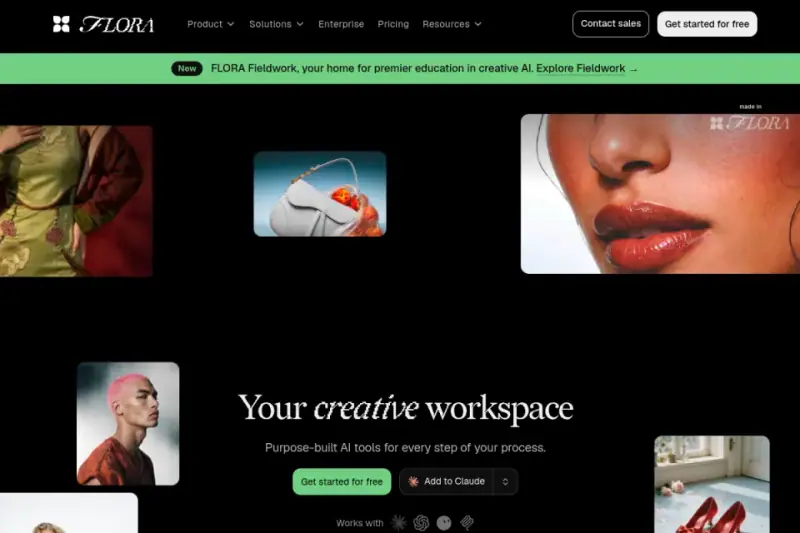
Existing public-page capture, visually inspected. Credit: FLORA. Its examples remain provider material, not evidence of an Upslide workflow test.
Midjourney: distinguish reference roles and visibility
Midjourney's web-creation documentation distinguishes image inputs used for editing, style references and image prompts. Those roles matter when selecting how an approved reference should influence a new result.
Its plan comparison identifies subscription options. The Stealth Mode documentation also warns that work in public Discord channels stays visible even when Stealth is enabled.
That is a practical reason to review the complete creation route. A subscription or a privacy-related setting by itself shouldn't stand in for checking where the work is being created and shared.
Fit and limitations
Separate file format, editability and fidelity
These are three different review questions:
- Format: Can the receiving application open the exported file?
- Editability: Can the intended change be made without rebuilding the asset?
- Fidelity: Does the result preserve the details that must remain accurate?
A large PNG may pass the format check while failing an editable-path requirement. A file with editable text may still have an incorrect background, and a visually convincing product scene may contain invented details.
Evaluate the result against the written deliverable. A generator's category label shouldn't replace inspection of the actual export.
Keep changeable content under direct control
Campaign copy, product labels and exact interface content often need updates after the visual direction is approved. Keeping them separate from generated imagery can make those revisions more deliberate.
That doesn't mean text-generation or text-extraction features are unusable. It means the delivery plan should identify which content remains editable and who checks the final wording.
For wider source-file choices, use the graphic design software guide. A generation workspace and a production editor may serve different stages of the same job.
How to choose
Use a deliverable worksheet before comparing outputs
Consider a fictional SaaS product called Signalnest preparing a launch page and a supporting campaign card. The desired visual is an abstract arrangement suggesting organised information, with approved wording placed separately.
This example deliberately avoids a fabricated product screenshot. Its illustration is a metaphor, and the text remains responsible for explaining the actual feature.
| Deliverable | Required structure | Revision to anticipate | Acceptance evidence |
|---|---|---|---|
| Early direction board | Clearly labelled visual alternatives | Change atmosphere or material | Notes explaining why a direction fits the brief |
| Website supporting illustration | Image with room for the real headline | Adapt the composition to the actual layout | Inspected placement and preserved subject clearance |
| Editable diagram asset | Usable paths where the brief requires them | Reposition or recolour individual elements | Opened source file with a successful representative edit |
| Campaign card | Illustration and separately editable wording | Replace the launch message | Updated text that fits without obscuring the visual |
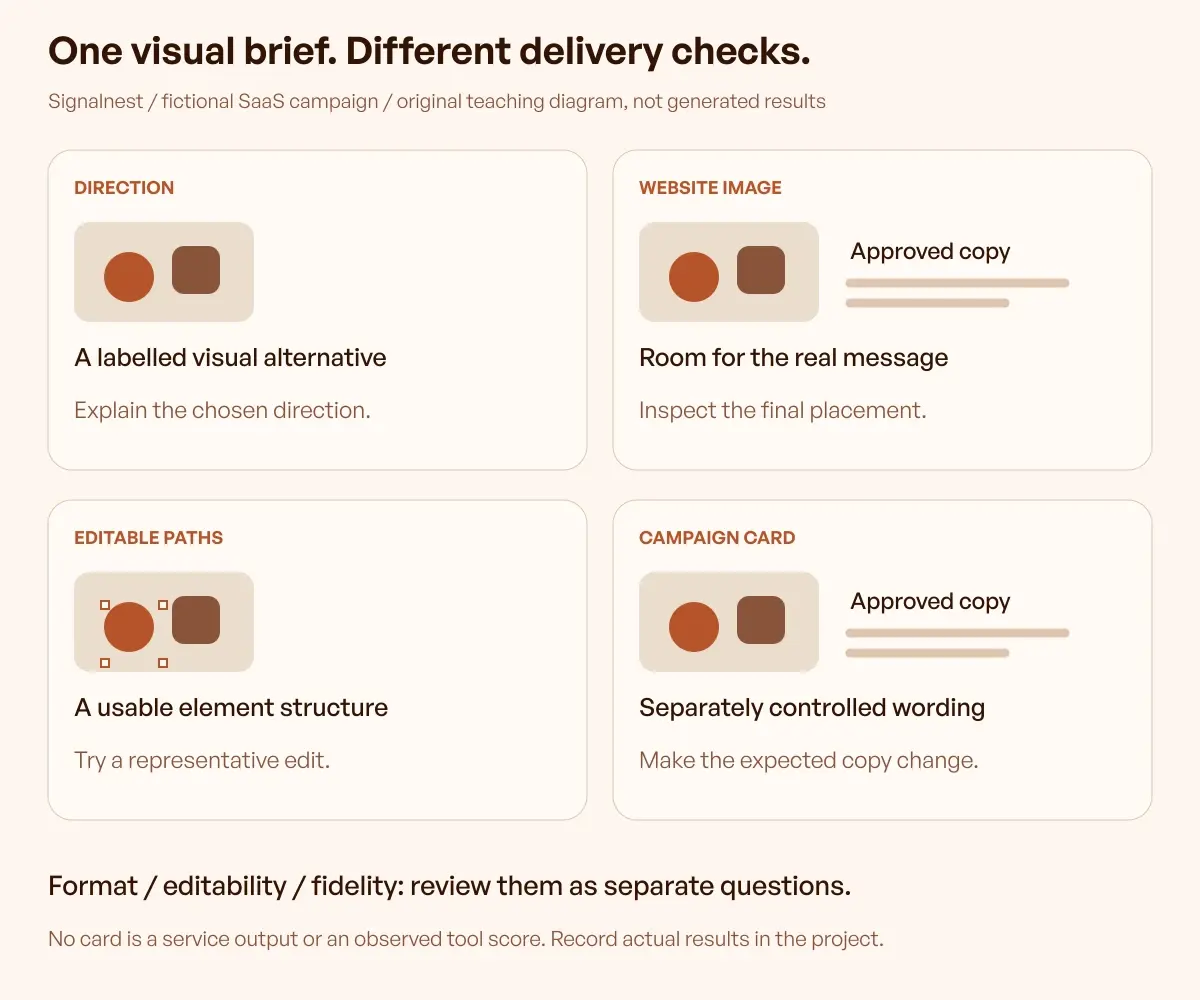
Original illustrative board by Upslide. The diagram defines proposed delivery checks; it isn't a gallery of generated outputs or a benchmark of listed services.
Compare the same brief and record differences
Choose two promising routes based on the required file and available controls. Supply the same purpose, approved references and protected details, while recording unavoidable differences in model settings or input support.
A practical comparison note can contain:
- Platform, selected model and date.
- Source material and its permitted use.
- Brief and relevant settings.
- Accepted and rejected candidates, with reasons.
- The representative revision attempted.
- Export format and receiving application.
- Remaining issues and approval owner.
The goal isn't to produce a universal winner. It is to discover which route meets this project's conditions without hiding the work needed after generation.
Test one expected revision before committing
For Signalnest, the campaign owner might change the headline while keeping the approved illustration. If the deliverable has separate text, that revision can be evaluated directly in the layout file.
If the wording is embedded in the image, the team must instead evaluate a text-layer or image-editing route and inspect the reconstructed area. That is a different production requirement, even if both versions looked similar during the first presentation.
For an editable diagram, attempt a representative element change before declaring the export usable. A successful download isn't yet evidence that the intended handoff works.
Evaluate the cost of an accepted deliverable
When a team runs its own trial, record the effort spent on generation, rejected attempts, correction and handoff. A low headline subscription price doesn't by itself establish a cheaper production workflow.
No comparative cost or speed result is supplied in this guide. The useful measurement belongs to the actual task, account and acceptance conditions.
Retain a finished asset record
Keep the original references, relevant permissions, generation settings, selected output and meaningful editing history with the final source. Record the tool's actual plan and any use restrictions that affect the intended delivery.
Describe generated material accurately when it appears beside real product evidence. An attractive visual metaphor should remain distinguishable from a genuine product capture or customer result.
Continue in Resource Box and Inspire
Use the directory to reach original sources
Resource Box provides the shortlist and original destinations. Move from discovery to the specific model, export and account conditions before choosing a production route.
New tools should prompt a review when they address a real requirement, such as a missing file format or revision control. They don't automatically invalidate a working process.
Study how the finished visual supports a page
Use Daily Inspire to observe composition, visual emphasis and space for the message. Open the original website and credit its creator when retaining a reference.
The page's appearance doesn't prove which generator, model or production tool was used. Treat the visible design decision as the reference, and keep unverified production assumptions out of the article.
For examples of how visuals relate to a SaaS page's message, continue with the SaaS website guide. This resource comparison doesn't depend on a particular daily edition.
Frequently asked questions
Which AI image generator is best for designers?
Choose by the required deliverable, available controls and expected revision. The shortlist offers different image, vector, text-layer and canvas workflows; official capabilities help narrow the choice, while a project-specific trial determines whether the actual result fits.
Can AI image generators make editable vectors?
Some documented routes, including Recraft's vector offering, are designed to provide vector material. Open the export and inspect its structure before accepting it; the required element edit should work in the receiving application.
Does editable text mean the whole image is layered?
No. Ideogram's Layerize Text documentation distinguishes recreated text layers from the remaining image and explains that the background beneath detected words is reconstructed. Keep the original for comparison and check the result.
Can free-plan images be used commercially?
That depends on the selected service, plan and applicable terms. Recraft's current FAQ explicitly excludes commercial use for free-plan images, illustrating why a free generation allowance shouldn't be treated as permission for every final use.
Should a team generate its final website headline inside the image?
When wording must change, respond to different layouts or remain directly controlled, separate editable text is often the more practical delivery choice. If lettering is part of the artwork, proof the exact words and confirm how later revisions will be handled.
Can a reference image guarantee the same subject in every result?
A reference is an input, not proof of a faithful output. Identify the details that must survive and compare the resulting asset with the approved source; remove or correct invented details before using it to represent a real product.
Is paying for a plan enough to make generation private?
Check the actual account settings and creation route. Midjourney's documentation specifically notes the visibility of work created in public Discord channels even with Stealth enabled; other services have their own arrangements.
How should a team compare tools without a large testing budget?
Start with a clear deliverable and narrow the shortlist using official output and control documentation. If a suitable trial is available, evaluate one representative asset and its expected revision, recording limitations rather than presenting a small exercise as a universal quality ranking.
Key takeaways
- Define the final source and expected revision before choosing a generator.
- Record the platform, model and route rather than assuming uniform controls.
- Review format, editability and fidelity separately.
- Preserve direct control of exact product details and changeable wording.
- Confirm current use conditions and visibility before project material enters a service.
- Use Resource Box for original destinations and Inspire for inspected design context.
We help SaaS teams connect visual production to a clearer page and product experience. If the challenge extends beyond generating artwork, discuss the design work with Upslide.