A stock photo can support a SaaS website without showing the product. It might establish a working context, give an article a concrete subject or help a small team build a coherent visual direction. The wrong image can imply a customer relationship that doesn't exist, distract from the interface or become impossible to crop on mobile.
Choose the image and its usage conditions together. A free download is only one part of that decision.
This guide compares seven resources and gives you an original selection exercise for a fictional project. Official source pages were checked on 2 November 2026. The site previews were captured and inspected for this guide, not as a completed download, licence-clearance or search-performance test. The workflow helps you identify what to check; it doesn't certify every asset for every use.
Design task
State what the photograph should communicate
Consider a fictional SaaS company writing an article about preparing a weekly project update. It wants an image that supports focused review and leaves room for a headline. It does not want a stock model to appear to be a customer, an employee or a testimonial author.
“A professional business image” is too vague a brief. “A quiet work surface with a notebook, directional light and clear space beside the subject” is more useful. It identifies visible properties without pretending a photograph proves how customers use the software.
Decide whether photography is needed at all. If the reader needs to understand a reporting interface, an accurate product screenshot or original explanatory graphic may communicate more. A decorative stock photograph cannot substitute for evidence about the product.
Define the placement before searching
Record the intended surface: article cover, full-width hero, small card or supporting section. Note where text will sit and which part of the image must survive a narrow crop.
Keep a short list of exclusions. For the fictional brief, these include visible third-party branding, a posed handshake, a readable screen that suggests a product feature and identifiable people presented as actual customers. The exclusions make later comparisons more consistent.
The goal is a usable selection with a clear source record, not the largest download folder.
Resource collection
Compare seven sources by the decision they help you make
The resources below offer different browsing contexts and licensing routes. The table is a starting point for evaluating an individual image, not a blanket clearance statement.
| Resource | Relevant selection route | Check before committing |
|---|---|---|
| Unsplash | Photography and visual collections | Free versus Unsplash+ item and applicable terms |
| Pexels | Photos and video within one source | Depicted people, endorsement and redistribution restrictions |
| Pixabay | Photos within a wider mixed-media collection | Asset type, source label and additional rights |
| Burst | Business-oriented photography collections | Whether the item uses CC0 or Burst's licensed-content terms |
| Kaboompics | Curated photoshoots and visual browsing | Standard versus Editorial Use Only label |
| Rawpixel | Mixed image collections with different licence classes | Personal, Business, public-domain or Editorial route |
| StockSnap | Photography offered under CC0 | Actual source image and any remaining content-related concerns |
All seven have Resource Box records. A directory description helps you find a candidate; the current asset page and terms govern its proposed use.
Unsplash: check the specific collection and item
Unsplash's licence page permits free commercial and non-commercial use under its standard licence, without required attribution. It restricts selling images without significant modification and compiling them into a competing image service.
The same site links separate Unsplash+ terms. Identify the item and its applicable route before treating the familiar Unsplash name as one set of download conditions. No paid plan, release package or indemnity was tested for this guide.
Use the source as a candidate for a visual brief, then inspect the actual image. A relevant mood or composition does not establish that a depicted person works for your company or supports your product.
Pexels: separate an image from an endorsement
Pexels' official licence allows use and modification without mandatory attribution. It also prohibits implying endorsement by depicted people or brands, using the imagery in a trademark and redistributing it on other stock or wallpaper platforms. Identifiable people must not be placed in an offensive or damaging context.
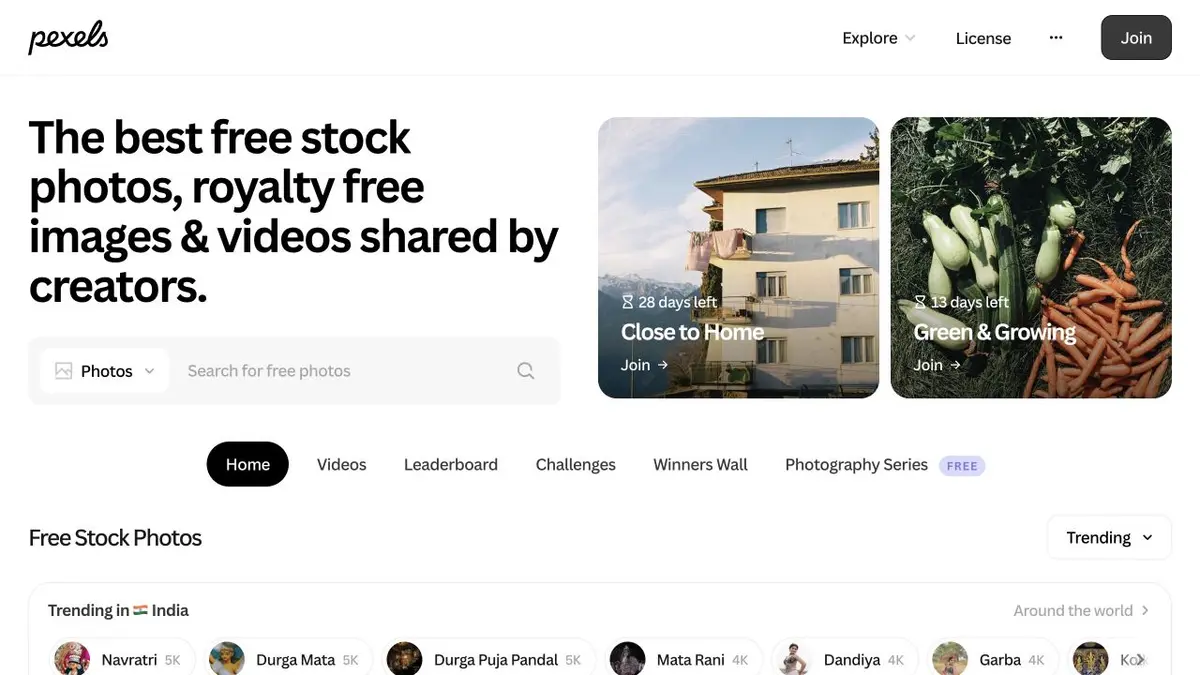
Actual Pexels homepage captured and visually inspected on 2 November 2026 at 1280 × 720, with the nonessential notice dismissed. Credit: Pexels and its displayed contributors. This is homepage context, not our search results or an individual asset's clearance.
For a SaaS website, keep stock imagery away from testimonial formatting unless the presentation clearly communicates its illustrative role. A caption cannot repair an otherwise misleading claim about a customer.
Pixabay: identify the media and source
Pixabay's licence summary describes free use, adaptation and optional attribution subject to prohibited uses. It restricts standalone distribution, misleading use and certain commercial uses involving recognizable trademarks or brands. It also notes that additional rights can apply.
The site contains several media types. Make sure the chosen item is the kind of asset the project needs and that the applicable conditions belong to that item. A broad library can help with a mixed-media project, but it doesn't make every file interchangeable.
Follow the link from the summary to the full terms when reviewing a real use. Do not treat this comparison table as the legally binding licence.
Burst: distinguish its two content routes
Burst's official terms distinguish Creative Commons content under CC0 from other licensed content. Its licensed-content provisions permit commercial and non-commercial use with restrictions, including unaltered resale and competing services. The terms also discuss separate rights and endorsement.
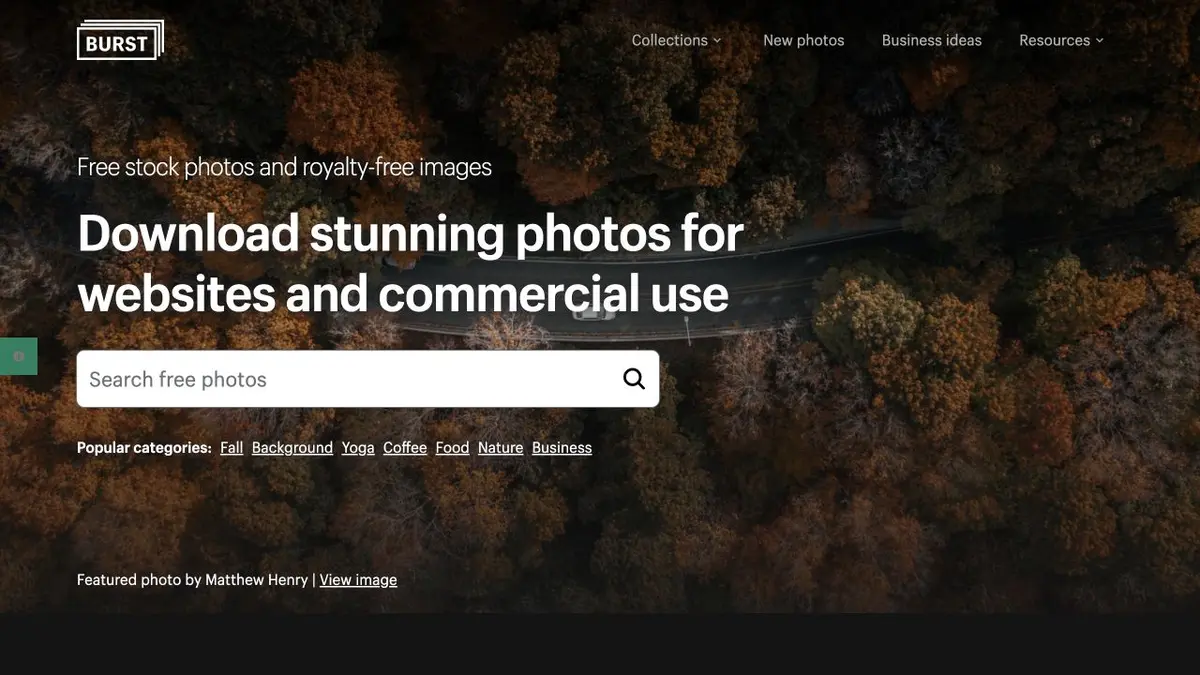
Actual Burst homepage captured and visually inspected on 2 November 2026 at 1280 × 720. Credit: Burst by Shopify; the displayed hero credits photographer Matthew Henry. Promotional notices were dismissed and the large panel minimized. This is source context, not a completed asset-level rights check.
Burst is relevant when its business-oriented collections match the scene you need. Check the chosen item's licence route and retain that identification rather than writing only “downloaded from Shopify.”
Kaboompics: read the item label
Kaboompics presents curated photoshoots and subject categories. Its licence and FAQ distinguishes Standard and Editorial Use Only images. Commercial use under the Standard route should not be generalized to editorial-only assets.
The current page also restricts AI training, image generation, biometric tracking and facial recognition, and prohibits implied endorsement. Those are meaningful differences when a team plans to send downloaded photography into an image-generation workflow.
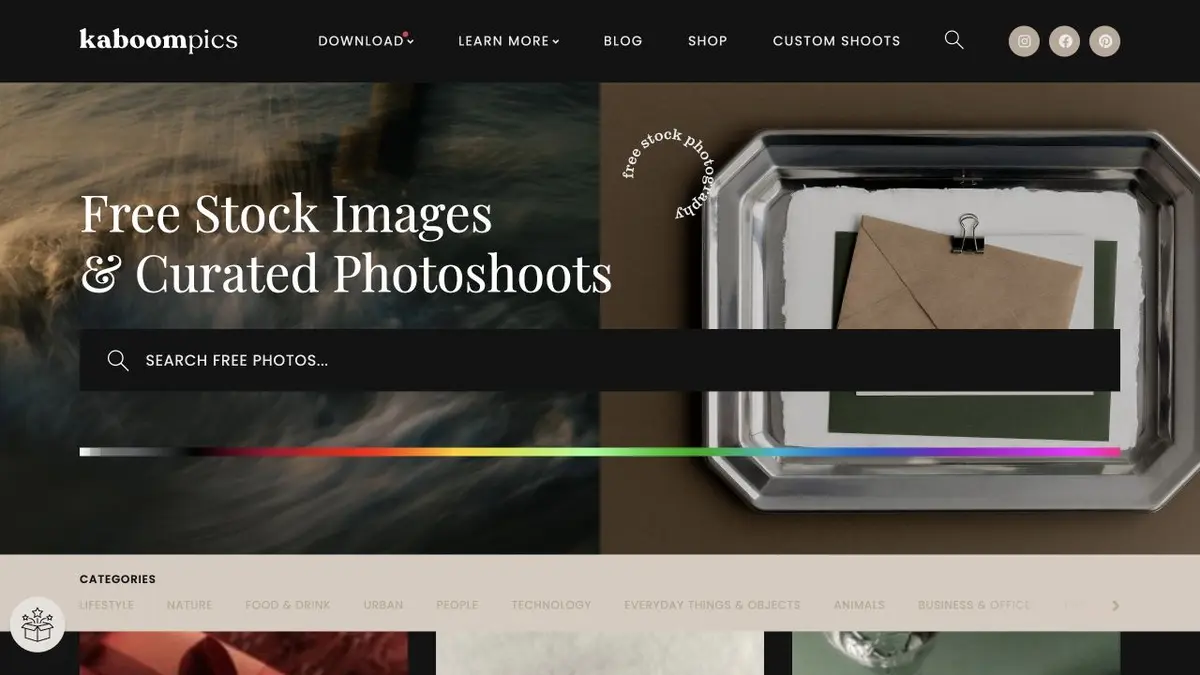
Actual Kaboompics homepage captured and visually inspected on 2 November 2026 at 1280 × 720, after dismissing cookie and newsletter overlays. Credit: Kaboompics. This is homepage context, not an asset-level licence or a tested search session.
A visually coordinated set can help maintain a direction, but each selected image still needs its own source and applicable-use check.
Rawpixel: do not equate free with commercial
Rawpixel's current licensing page separates Personal, Business, Public Domain and Editorial content. The Personal route is for non-commercial activities; the Business route addresses commercial uses. Its public-domain collection has a separate CC0 route, while Editorial content has its own restrictions.
This distinction is easy to lose in a generic list of free image websites. A free collection or account label does not by itself establish the licence needed for a SaaS marketing page.
Check the actual item, membership and intended use. Record which licence applies rather than copying the terms of another collection. We have not purchased a membership or tested client handoff permissions.
StockSnap: keep the image-level check
StockSnap's official licence summary presents its photography under CC0 and describes free commercial use without required attribution. It also rejects implied endorsement and acknowledges that mistakes involving intellectual-property or privacy concerns can occur.
That makes it another source worth evaluating, not an exemption from inspecting the photograph. If the chosen image includes a prominent product, artwork or person, record the unresolved question instead of assuming that the CC0 label answers every issue about the depicted subject.
StockSnap's own hosted photography and any external sponsored destination should be evaluated under their respective source terms.
Fit and limitations
A library is not a visual strategy
The size or popularity of a stock site says little about whether the next image belongs on your page. Compare visible content against the brief: subject, context, composition, light, colour and the role of surrounding text.
If a library returns nothing suitable, revise the query or change sources. Don't loosen the exclusions merely to finish the page. It may be better to use an original diagram than a photograph whose only relevance is a laptop in the corner.
Permissions and visual suitability are separate checks
An image can look right and still have unresolved usage conditions. It can also have an appropriate licence but communicate the wrong story. Keep both decisions visible.
For real client work, establish who is responsible for confirming the intended use and obtaining any necessary additional permissions. A source record helps the team review its decision; it does not create rights that the source did not grant.
This guide reports source distinctions rather than giving jurisdiction-specific legal conclusions. Read the actual terms for the proposed use and resolve material uncertainty with the responsible rights owner or qualified adviser.
Editing does not turn stock into product evidence
Cropping, colour treatment and adding text can make photography fit a layout. They do not turn a model into an employee or a generic screen into your software. Keep surrounding claims accurate after editing.
Be particularly careful when a photograph sits beside a customer quotation, case-study metric or industry claim. The layout itself can imply a relationship even if the image file's name says “illustrative.” Review the whole component as a reader will see it.
A homepage preview proves very little about an asset
The previews in this guide help readers identify the resources and their browsing context. They are not evidence that an individual image is currently downloadable, free, commercially suitable or available at a particular resolution.
Go to the asset's original page for that decision. We have not scored these sites on result quality, download speed or catalog completeness, and have not borrowed another publisher's test results.
How to choose
Turn the fictional brief into search criteria
Return to the weekly-status-update article. Write a visible scene and layout requirement: “Notebook and work surface, quiet setting, space beside the subject, no readable branding.” Keep “communicate thoughtful review” as the intended message rather than a literal search phrase.
Try a small family of queries, changing one dimension at a time. Search for the subject first, then context or angle. Record what each query was meant to find. This helps a second designer continue the search without starting again from “business.”
Avoid claiming that one library is best because of the first attractive result. Compare a small shortlist using the same criteria.
Use an original three-candidate exercise
The candidates below are fictional descriptions, not downloaded photographs or actual search results:
- Candidate A: a close-up notebook with space to its right, no readable branding and an asset page whose applicable terms still need checking.
- Candidate B: a smiling person at a laptop, presented in a way that could be mistaken for a customer portrait.
- Candidate C: a wide office scene with a central monitor and little room for text when cropped narrowly.
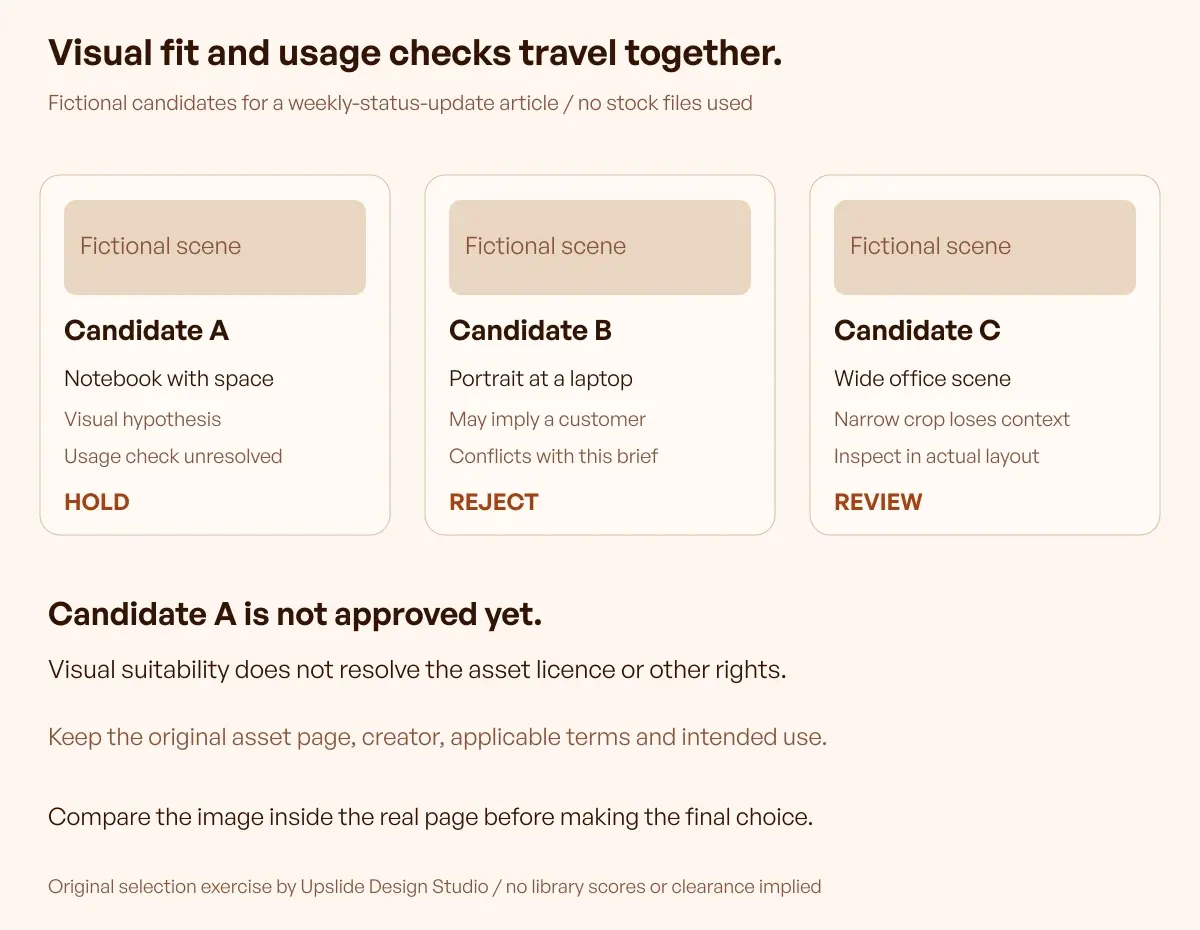
Original teaching exercise by Upslide Design Studio. The cards describe fictional candidates; they are not stock images, completed rights checks or scored library results.
Candidate A is the strongest visual hypothesis for this brief, but it isn't approved. Its source and usage checks remain unresolved. Candidate B conflicts with the communication requirement. Candidate C needs a crop review and may fail the layout even if its usage conditions are acceptable.
Keep the selection sheet small
| Criterion | Record | Decision rule for this brief |
|---|---|---|
| Communication | What the reader is likely to infer | Reject an implied customer or product claim |
| Composition | Subject position and room for text | Inspect the actual intended layouts |
| Crop | What survives at a narrow width | Reject loss of the meaningful subject |
| Source | Creator and original asset URL | Do not commit an untraceable file |
| Usage conditions | Applicable licence, labels and unresolved rights | Hold until the intended use is resolved |
| Delivery | Maintained source and final output location | Keep the record connected to the chosen file |
“Hold” is a valid result. A team should not mark an image ready just because its visual review passed before the licence review.
Review it inside the page
Place the shortlisted image with the real heading, nearby copy and intended crop. Inspect a wide and narrow layout. Check whether the reader can still understand the heading and whether any visible subject creates an unintended relationship with the text.
Use the page's image description according to the image's actual role. An informative image needs a useful description; a decorative image should not compete with the content in the reading experience. Avoid putting essential instructions only inside a photograph or baked-in headline.
Keep the original source and editing instructions separate from the final web export. The image that looks right in a design file still needs review at the delivered size.
Preserve the decision for the next update
Save the asset URL, creator, applicable licence link, checked date, intended placement and unresolved conditions. Associate that record with the file the team will use. Record important editing choices such as crop position so a later author doesn't accidentally remove the subject or reveal unwanted details.
When the page's message changes, reconsider the photo. An image selected for an editorial explanation may be inappropriate when the same component becomes a promotional claim. Reuse should follow the new context and applicable conditions, not just the convenience of an existing download.
Continue in Resource Box and Inspire
Use Resource Box to find the source that suits the visual brief, then visit the original asset and licence pages. Keep the selection sheet with the project so a teammate can understand why the image was chosen or held.
Use Inspire to inspect how published websites place imagery beside text and product content. Credit the original site and describe only what is visible. A strong reference can suggest a composition; it doesn't grant permission to reuse that site's photography or prove its conversion performance.
For a related visual decision, the published onboarding illustration guide explains how to keep illustration tied to a task. Use that distinction when an explanatory image would communicate more directly than photography.
Frequently asked questions
Which stock photo resource should a small SaaS team start with?
Start with the source that matches the visual brief and offers an applicable usage route. Compare the same subject, composition and source-record requirements across a few candidates. This guide does not award an overall winner or claim one library always has better results.
Does free mean we can use a photo anywhere?
No. Download cost, licence conditions and rights involving the depicted subject are separate questions. Read the actual asset page and applicable terms for the intended use. A library's general marketing headline is not a substitute for those checks.
Can a stock portrait represent one of our customers?
Do not present an illustrative stock model as an actual customer, employee or testimonial author. Several sources explicitly prohibit implied endorsement. Review the surrounding quote, caption and layout as well as the photograph.
Why does Rawpixel need a separate check?
Its current licence page distinguishes Personal, Business, Public Domain and Editorial routes. A free-download label alone does not establish the permission required for a business website. Identify the actual item's applicable conditions and retain that record.
Can we send a stock photo to an AI image generator?
Check the relevant terms before doing so. Kaboompics explicitly restricts image generation and AI training in its current licence. Do not assume that permission to crop or modify an image automatically includes permission to use it as a generator input.
What should we keep after selecting an image?
Keep its original page, creator, licence URL, checked date, intended use and any unresolved conditions connected to the file. Preserve the editable source or crop instructions where relevant. A record supports later review but does not replace any required permission.
Does this article need new Inspire data each day?
No. Its source comparison and original exercise use existing resources. Daily references are optional and need attribution. Recheck the guide when verified source terms or availability change, and review an actual asset whenever its intended use changes.
Key takeaways
Choose stock photography against a concrete visual brief and its applicable usage conditions. Keep free, paid, personal, commercial and editorial routes distinct. Review the candidate inside the page, retain its source record and hold unresolved choices rather than treating a download as approval.
If your team needs a clearer visual direction for a SaaS website, we can help shape the design work.