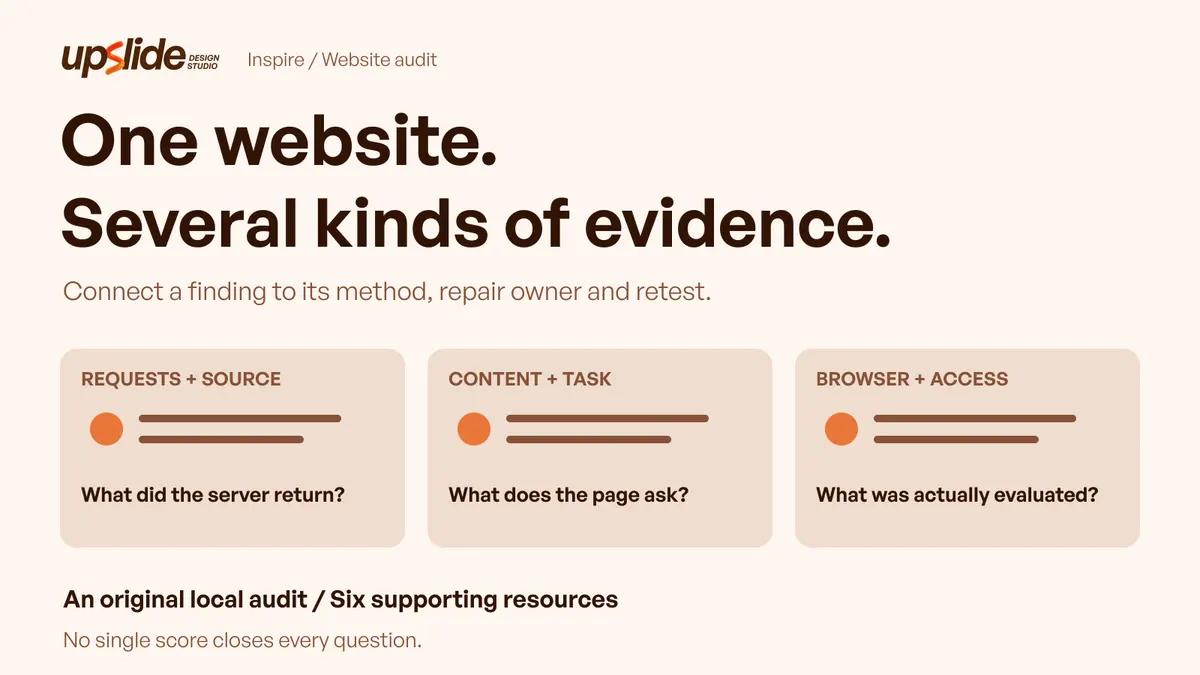
When your website audit reports a problem, can the responsible person explain what was checked, why it matters and what would prove the correction worked?
A website audit brings together several kinds of evidence. Requests can reveal broken destinations. Reading the page can expose an unclear offer. Browser diagnostics can help investigate loading behaviour, while accessibility evaluation needs both tools and human judgement. An overall score cannot substitute for those different methods.
For designers and SaaS founders, the useful output is a scoped decision record: the affected page or task, the observed evidence, its limitations, an owner and a retest. This guide explains that workflow, compares six supporting resources and follows an original fictional website through actual HTTP and source checks.
Choose the method that can answer the question, and keep untested questions visible.
Current official references were checked on 4 November 2026. Reused source previews retain their actual 3 November capture date. The local experiment is an authored teaching site, not a customer audit, commercial-crawler benchmark or complete accessibility, security or performance assessment.
Design task
Define what the website needs to help someone do
Begin with the site's purpose and a concrete visitor task. “Audit the website” leaves too much unresolved. “Review whether a prospective customer can understand the annual commitment and reach the request form” identifies a path whose content and destinations can be investigated.
Record the environment and release. A staging build and the production hostname can have different access rules, metadata and integrations. Keep the intended audience, critical pages, important templates and relevant states beside that record.
Choose a justified sample of templates and journeys, or review every page where practical. State omissions. One article does not establish how checkout or authenticated screens behave.
Make the evidence plan central
The audit should combine appropriate methods rather than expand one scanner's conclusion beyond its coverage.
| Strand | Practical review action | Evidence to retain | What it cannot establish alone |
|---|---|---|---|
| Discovery and responses | Compare an expected inventory with requests and source links | Included URLs, responses, redirects and configuration | Search-engine indexing or task success |
| Publication signals | Inspect directives, preferred URLs and sitemap entries | Actual headers, HTML and intended page role | Google's selected canonical or eventual visibility |
| Content and visitor task | Read the offer and follow the intended route | Exact wording, action, destination and observed obstacle | Audience comprehension or conversion impact |
| Performance | Collect a browser diagnostic under declared conditions | Report, profile, date and relevant trace or diagnostic | Every visitor's experience or business uplift |
| Accessibility | Combine selected automated checks with human evaluation | Page state, element findings and actual manual observations | Conformance from a maximum score |
| Security and privacy | Assign the required specialist checks | The specific configuration or assessment actually reviewed | A secure or compliant site from HTTPS alone |
These strands can converge on one problem. A pricing action that returns 404 is both a response finding and an obstacle on a visitor path. Do not claim the crawler measured frustration or abandonment.
Separate observations, interpretations and decisions
“This request returned 404” is an observation. “This blocks the intended request route” interprets it against the declared task. “Replace the link with the approved form destination” is a proposed decision.
Preserve those distinctions in the report. A team can verify a response while still needing agreement on the replacement. Record what is known and what requires judgement.
Resource collection
Six routes into the evidence
The resources support different strands. They are not six interchangeable website auditors, and this guide does not rank their scores or speed.
| Resource | Relevant contribution | Selection boundary |
|---|---|---|
| Screaming Frog SEO Spider | Responses, referring links and redirect investigation | Crawl scope, licence features and useful exports |
| Sitebulb | Configured crawling with explained findings | Desktop or cloud route and selected discovery inputs |
| Ahrefs Site Audit | Project-based technical issues and URL exploration | Ownership verification and actual account allowance |
| Semrush Site Audit | Technical reports within a broader platform | Current scope, access and underlying issue evidence |
| Lighthouse | Automated browser diagnostics | Recorded environment, categories and retained report |
| WAVE | Accessibility findings in page context | Correct URL or extension route plus human interpretation |
Screaming Frog: keep the referring page with the failure
Screaming Frog's broken-link tutorial documents Response Codes, the Client Error filter, Inlinks and source-to-destination exports. That relationship matters when several pages send people to one failed address.
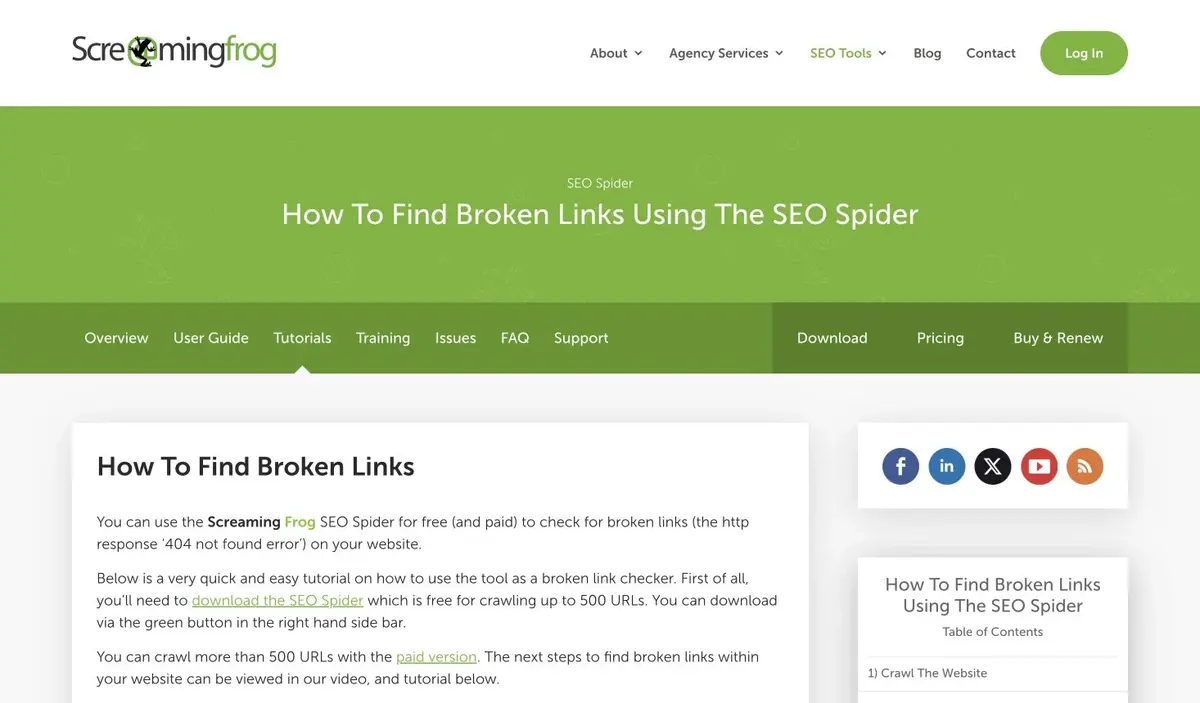
Credit: Screaming Frog. Actual public tutorial capture from 3 November 2026, reused faithfully. Documentation context, not a product crawl performed by Upslide.
Its documented free crawl limit is 500 URLs. Check the project's actual discovered variants and required features before assuming a site described as small fits that route. Retain the original source and redirect path when an intermediate redirect hides where the outdated link began.
Sitebulb: make configuration part of the handoff
Sitebulb distinguishes local desktop crawling from its browser-accessed cloud product. Its explanations, prioritised hints and visualisations can support communication, while the actual finding still needs review against the site's purpose.
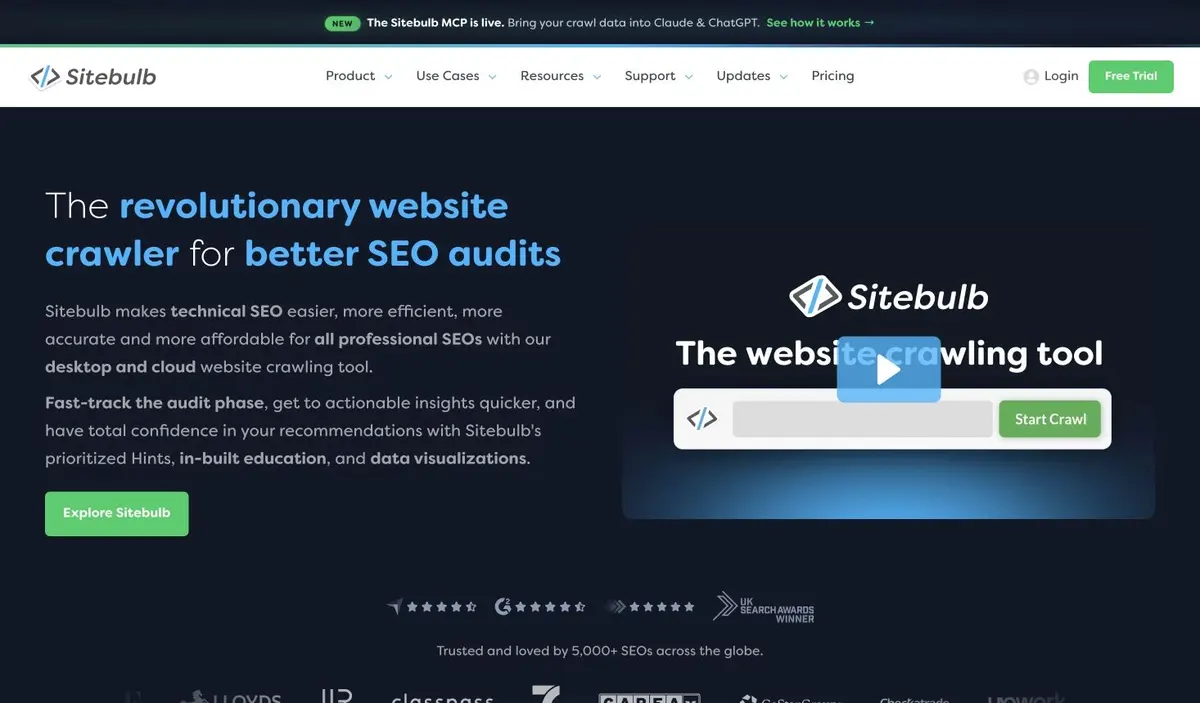
Credit: Sitebulb. Actual homepage capture from 3 November 2026. Provider examples are not our executed audit or a measured efficiency result.
Record the selected product, report modules, start URLs and additional discovery inputs. An expected page missing from a report might reflect configuration or inventory coverage. Investigate that difference before treating absence as evidence that the page itself failed.
Ahrefs: qualify the project and the export
Ahrefs Site Audit describes grouped technical issues, page and link exploration, and bulk issue exports. These are useful routes from a summary to the URLs behind it.
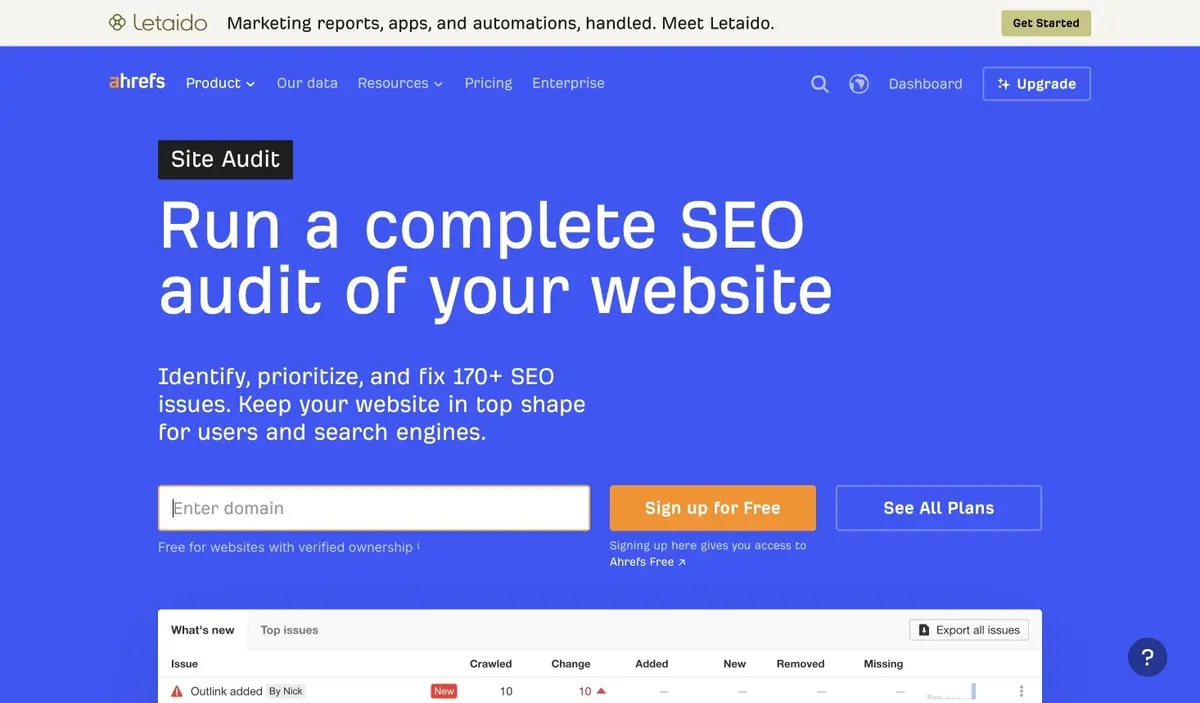
Credit: Ahrefs. Actual public product-page capture from 3 November 2026. No domain was submitted and no account result is represented.
Its current free-account documentation qualifies Site Audit access by verified ownership and lists a crawl-credit allowance. Free access does not mean unlimited coverage of arbitrary sites. Confirm that the receiving owner can inspect the evidence needed for the repair.
Semrush: investigate the issue behind the overview
Semrush's Site Audit feature page presents a technical checking route and recommendations. It is relevant when the team already works inside the platform, provided the selected account and crawl configuration cover the task.
Choose the report around the evidence needed, rather than its headline number of checks. Inspect affected pages, scope and export options. Current promotional visibility claims and testimonials do not establish a result for another website.
The broader audit should still include content and task review. A technical platform can identify a missing description without deciding whether the page gives a prospective customer the information they need.
Lighthouse: retain a reproducible browser diagnostic
Google's Lighthouse introduction documents DevTools, command-line and other routes for automated page audits. The report supplies individual diagnostics as well as category scores.
For a browser run, open the target page, choose the relevant categories and retain the result with its environment and configuration. Save the report rather than transcribing only the top number. A correction should be checked against the relevant diagnostic under comparable conditions.
No Lighthouse report was generated for this article's local HTTP experiment. Its performance section below describes an actionable procedure for a real audit, without inventing a lab result.
WAVE: examine the page and its unresolved questions
WAVE's official help distinguishes its public-URL route from extensions that evaluate rendered content inside the browser. The extension route can be relevant for permitted local, dynamic or password-protected states.
The same documentation is explicit: an absence of reported errors is not accessibility approval. Review the affected element, surrounding content and relevant interaction. A tool can expose alternative text or a programmatic name while a human still needs to judge whether it communicates the right meaning.
Choose the evaluation route around the actual page and state. Integrate its findings into the wider audit with the human work still required.
Fit and limitations
Inspect publication intent as well as response status
A successful response does not mean that a page should appear in search. A draft preview can intentionally return 200 while carrying a noindex instruction. A retired URL can intentionally return 404 once no useful replacement exists.
Google's noindex guidance describes both HTML and response-header routes. A crawler must be able to access the resource to read the instruction. Blocking the URL in robots.txt can prevent that observation; robots rules are not an access-control system.
Compare those signals with the intended page role. Canonical guidance distinguishes preferred-URL signals from Google's eventual selection. Sitemap guidance describes discovery assistance, not guaranteed crawling or indexing. Keep actual Search Console evidence separate from locally inspected source.
Evaluate content and the task directly
Read representative pages with the visitor question in view. Check factual units, conditions, dates and supporting evidence. An amount without a currency or billing period can require clarification even when every metadata field exists.
Then follow the intended action in the actual permitted environment. Record the label, destination and resulting state. If the route works technically but its next step is unclear, describe that as a content or interaction question requiring further review.
The main-site UX audit guide covers deeper workflow and usability methods. The website audit should route an observed task problem into that work, without claiming that a quick expert walkthrough replaces audience research or demonstrates a conversion improvement.
Give performance its own observation conditions
Choose representative page types and an important visitor route. For a Lighthouse diagnostic, record the URL, build, browser and tool version, selected profile, throttling and relevant cache conditions. Inspect the failed diagnostic and its affected resource or behaviour before proposing a fix.
PageSpeed Insights documentation distinguishes Lighthouse lab data from real-user CrUX data. Record whether field data represents the page or the wider origin, its collection period and whether enough data exists. Missing field coverage is an unknown, not a passed assessment.
After a change, collect a comparable diagnostic and retain both reports. Local response timing or file bytes alone do not measure a page's rendered performance. A favourable lab result does not establish the experience of every visitor or prove a revenue effect.
Make accessibility actions specific
Select the page and states before running a checker. A form's initial view, validation response and dialog can require separate observations. Retain the actual state reached, tool configuration, element finding and proposed correction.
Add the manual work the task needs. In a keyboard review, record the actions attempted, focus behaviour and route to leave an interaction. In content review, inspect whether a field label and instruction explain the expected input. Retain separate assistive-technology observations when that work is actually performed.
W3C's tool-selection guidance explains that tools assist evaluation and require human judgement. Lighthouse's scoring explanation also excludes manual checks from its score. Neither a source label check nor a maximum score completes this strand.
Route security and privacy questions to the right evidence
Record specific transport, certificate or mixed-content observations when those checks are performed. HTTPS concerns transport; it does not certify authentication, authorisation, server configuration or the absence of vulnerabilities.
Likewise, the presence of a privacy-policy link does not establish that actual data collection and consent behaviour match it. Identify the responsible specialist and the required assessment. Keep an unperformed security or privacy review open instead of translating a general audit score into approval.
How to choose
Work through an original, declared website
Upslide authored Planroom, a fictional workshop-planning site. Its declared visitor task is to identify the price commitment and reach the workshop-outline request page. No product is sold, no personal data is collected and the form sends no request.
The site contains 13 declared paths, including HTML pages, redirects, an intentionally excluded preview, a text export, robots.txt and a sitemap. An original Python script made 13 actual HTTP requests before authored corrections and another 13 afterward. It retained responses without automatically following redirects and parsed the fetched HTML source.
The declared checks produced nine findings before the changes. They covered one missing destination with two referring pages, a two-hop redirect, missing pricing metadata, conflicting canonical choices, sitemap inconsistency, a robots/noindex conflict and a missing programmatic label under the fixture's source criterion.
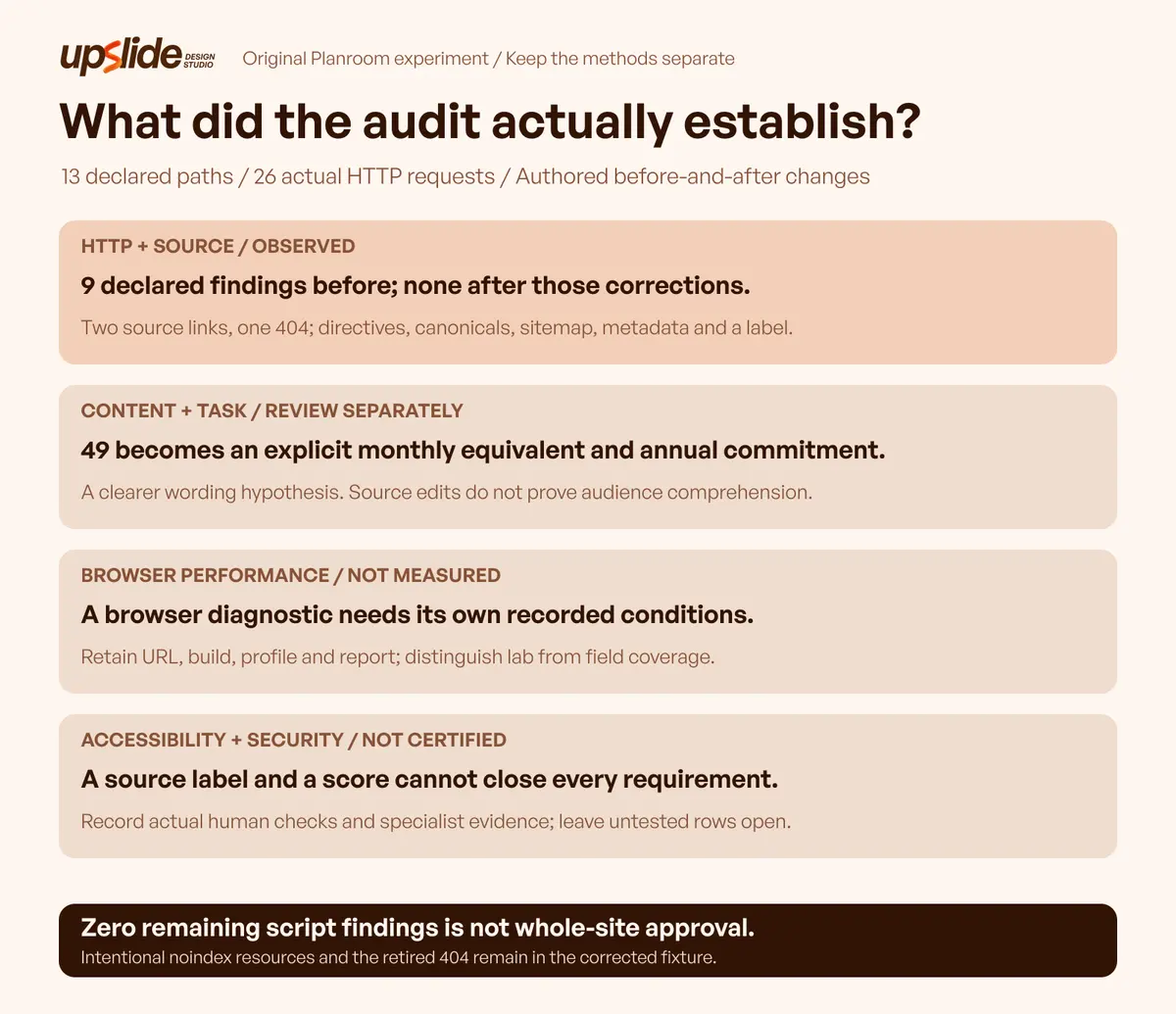
Original site, HTTP observations and declared criteria by Upslide Design Studio. The experiment is not a vendor crawl, browser performance test, accessibility assessment, security scan or search-engine indexing observation.
Interpret each finding against the brief
| Actual observation | Decision for this fictional site | Retest that supports the correction |
|---|---|---|
| Home and pricing link to one 404 destination | Use approved destinations for those two references | Inspect both changed source links and request the targets |
| Pricing declares the guide as canonical | Pricing is a distinct intended page | Fetch its source and check the corrected preferred URL |
| Preview is noindex but listed in the sitemap | Preview should remain outside the preferred public inventory | Check its retained directive and revised sitemap |
| Email input lacks an associated label under the declared source check | Add a programmatic label | Recheck the source, then perform the separate human evaluation |
Those decisions depend on the fixture's stated intent. They are not universal instructions to remove every 404, index every page or change every canonical to itself. A real site needs its own inventory and publication decisions.
Follow the task in the actual local browser
A separate expert walkthrough opened both pricing versions and clicked their main links. Before the changes, the page showed “49” and a separate “Billed annually” note; Continue reached the retired destination. Afterward, it showed “49 USD per month equivalent, billed 588 USD annually.” The renamed action reached the workshop-outline form.
The retained DOM receipt also exposed a textbox named “Email for the outline.” These are observed wording, route and browser-name facts. No request was submitted, and no keyboard, assistive-technology or audience-comprehension test was performed. Clearer communication remains a hypothesis.
Retain the checks that remain open
After the authored changes, none of the nine declared source findings remained. The intentionally noindex preview, noindex text-export header and retired 404 still existed. Removing every unusual response or directive would have contradicted the brief.
That zero is limited to the script's criteria. It does not close rendered layout, keyboard operation, assistive technology, performance, security, indexing or audience understanding. The audit record should retain those separate rows with the required method and responsible person.
Prioritise by consequence and evidence
Begin with the intended task and publication purpose. A broken request destination deserves attention because it obstructs the declared path, while a missing description may require a separate editorial decision. Scope, confidence, dependencies and effort also affect the repair order.
Keep an accountable owner and a concrete retest beside each action. Retain the source and response, authoritative content reference or interaction state that the receiving owner needs.
Avoid collapsing those responsibilities into an unexplained severity score. The useful report states why the issue matters and what evidence is still missing. A deferred finding needs a reason and a next review condition.
Close the finding in the actual environment
Retest the affected condition after the correction reaches the intended build. Preserve the original evidence and the new result. A change in a local specimen does not establish that production received the same change.
For recurring audits, disclose coverage and settings changes. More findings can reflect expanded coverage; fewer can reflect exclusions rather than repairs.
Return to Resource Box for the selected tools and official references. Use Daily Inspire to discuss visible page structures with their original attribution. A reference capture can inform a design question; it cannot validate another site's technical fix or conversion result.
Frequently asked questions
What should a website audit include?
Choose scope from the site's purpose and the problem being investigated. Combine appropriate technical, content, task, performance and accessibility evidence, and assign specialist reviews where required. State what each method actually inspected and keep omitted areas visible instead of treating one scan as the whole audit.
Can a website audit tool replace manual review?
Tools can collect useful evidence at scale. They cannot decide every question about meaning, task completion or audience understanding. Read representative content, follow important routes and perform the human evaluation needed for the task. Keep those observations separate from automated findings.
Does a 200 response mean the page is indexable?
Inspect the actual directives, content and intended role. A successful response can intentionally carry noindex, as the fixture's preview does. Even technical eligibility does not establish actual search-engine indexing. Use the appropriate search-platform evidence for that separate conclusion.
Does a canonical or sitemap guarantee Google's chosen URL?
No. These supply signals and discovery information with different roles. Compare them for consistency with the site's intent, then retain actual indexing evidence separately. Do not describe a source-level correction as a verified change in Google's selected canonical.
Are lab and real-user performance results interchangeable?
No. A simulated diagnostic and field data describe different conditions and populations. Record the report's profile, URL or origin coverage and collection period. Missing field data is not a pass, and a single local request duration does not replace a browser performance investigation.
Does an accessibility score of 100 close the review?
No. Automated scores exclude relevant human checks. Retain element findings, tested states and actual manual observations. Source structure, meaningful wording, keyboard operation and assistive-technology behaviour can need different methods and evidence.
Which finding should be repaired first?
Consider the consequence for the declared task, affected scope, confidence and dependencies. A broken critical destination may take priority over editorial polish. Record the reason, owner and retest rather than adopting another tool's severity labels without investigating the actual website.
When is an audit finding resolved?
When its agreed correction has reached the intended environment and its relevant evidence has been checked again. Preserve what changed, where it was retested and what remains open. A better overall score can accompany that record but cannot replace it.
Key takeaways
- Define the site's purpose, audit scope, environment and representative tasks.
- Match technical, content, performance and accessibility questions to suitable methods.
- Preserve the actual evidence and its limits beside each finding.
- Prioritise repairs by consequence, ownership and concrete retest conditions.
- Keep unperformed checks open; zero declared script findings is not whole-site approval.
For help connecting website findings to a clearer product or design plan, we can help review the work and its priorities.