Can you change the shape that matters after converting a PNG to SVG? A successful conversion starts with that requirement. Downloading a file with an SVG extension does not establish that the intended subject became useful vector geometry.
This guide compares six tracing routes and explains the checks that belong between upload and acceptance. An original local vectorization exercise shows why a result with fewer objects can still lose a required opening.
Accept the required shape and editing control, not the extension, a smooth preview or a smaller object count.
Design task
Define the change the conversion must support
A PNG stores raster pixels. A tracing workflow interprets those pixels and constructs geometry. The result can approximate a silhouette, separate colour regions or simplify small details, depending on its method and settings.
The right requirement is concrete: preserve the opening in a mark, recolour one region, retain a narrow separation or prepare geometry for a particular receiving application. “Make it vector” leaves those decisions unresolved.
For existing brand artwork, first look for its original editable source. Tracing a small PNG is a reconstruction route; it cannot establish the original designer’s intended curves, spacing or text structure. Permission to convert and use the supplied artwork also remains separate from technical success.
An SVG can legitimately contain raster images or a mixture of images and shapes. The editable-illustration guide already demonstrates why appearance and extension do not establish object-level control. Here the new task is choosing a tracing route and accepting its reconstruction.
Select the workflow around the required review
The following comparison uses current public documentation and visible starting pages inspected on 3 November 2026. It is not a converter ranking or an image-quality benchmark. No user artwork was uploaded and no output was downloaded from these services.
| Resource | Relevant route | Useful review point | Boundary to verify |
|---|---|---|---|
| Inkscape | Desktop Trace Bitmap workflow | Inspect traced objects separately from the imported raster | Actual result, settings and receiving file |
| Adobe Express | Public PNG-to-SVG quick action | Review the downloaded conversion against the source | Account route and the exact output structure |
| Recraft | Vectorize an existing uploaded image | Inspect generated geometry and colour revisions | Selected plan, actual output and required editing control |
| Vectorizer Lab | Browser studio with tracing controls | Compare settings, colour layers and the source | Provider scores versus the team’s acceptance requirement |
| Vectorizer.AI | Preview-led raster vectorization | Inspect proposed shapes and palette before delivery | Download entitlement and the selected export |
| SVGcode | Open-source browser tracing app | Review monochrome/colour and cleanup settings | Actual generated SVG and the subject’s geometry |
The Resource Box contains these six creator routes. Several workflows can share underlying tracing techniques; six source entries do not establish six independent algorithms or six measured outcomes.
Resource collection
Inkscape: inspect the trace separately from the input
Inkscape’s tracing manual describes converting a raster image into editable paths through Trace Bitmap. It discusses single and multiple scan approaches and warns against expecting a perfectly faithful reconstruction.
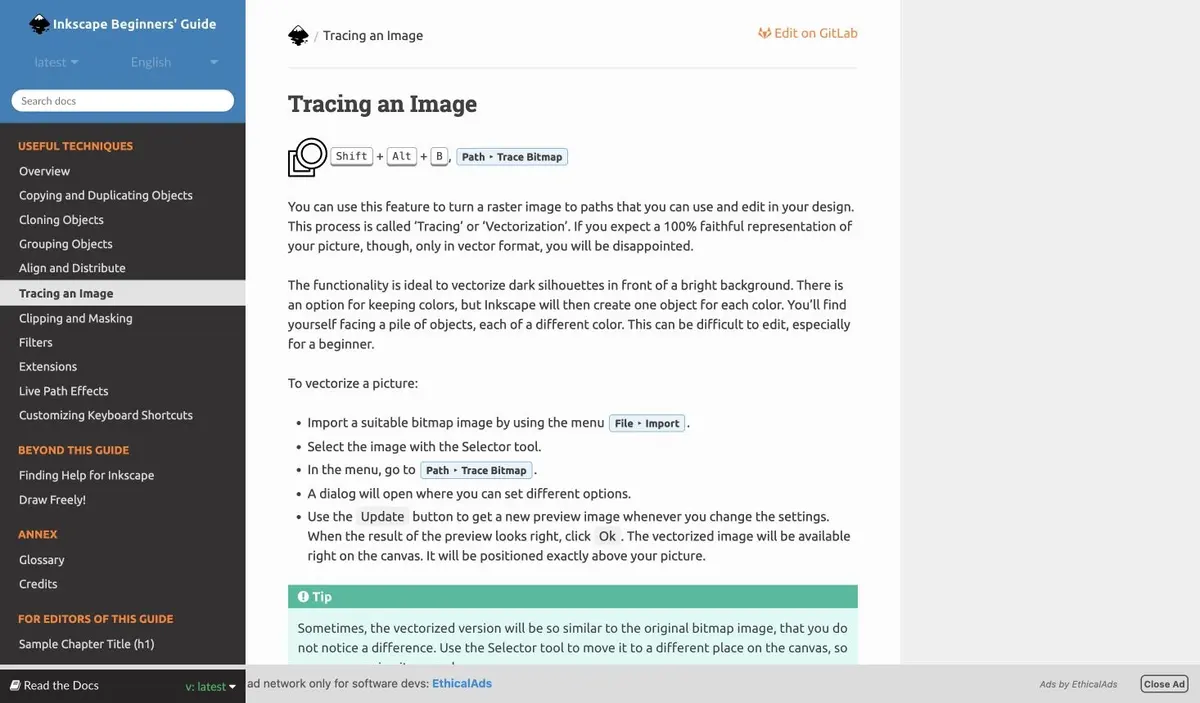
The manual also explains that the trace is placed above the original image. That creates a practical review requirement: distinguish the new geometry from the underlying raster before assuming the saved document contains only the intended result.
This route is useful when the team wants to inspect and revise geometry in a vector-editing workflow. The screenshot is the official beginner manual, labelled 1.3 documentation, rather than a newly operated desktop installation. No current installed interface, import or export was tested here.
For handoff, keep the untouched input, the chosen tracing settings and the reviewed vector result identifiable. Removing the source image is appropriate only when the delivery requirement calls for that change and the resulting geometry has been checked.
Adobe Express: follow the output beyond the quick action
Adobe Express’s PNG-to-SVG page presents an upload, conversion and SVG download route. Its public page advertises the quick action as free to use and notes that the resulting vector image can look different from the source.
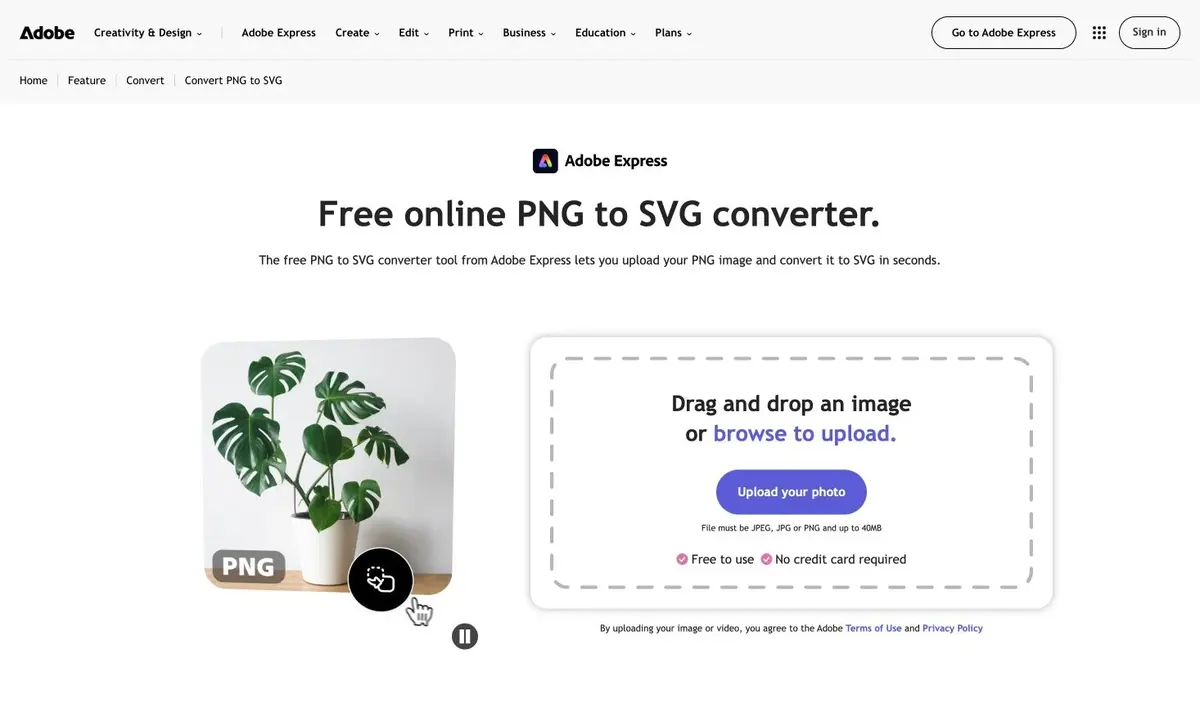
This is a candidate for an isolated conversion when the team wants a straightforward starting route. The next decision still depends on the actual file: which subject is represented by geometry, what changed in the reconstruction and whether the required edit is practical.
The capture is a product-entry page with a provider demonstration. It is not an Upslide conversion result. No upload, account continuation or downloaded artifact was inspected, so the page’s advertised availability is not a tested account entitlement.
A quick action can reduce the steps to an output without resolving its suitability. Before accepting it, reopen the delivered SVG in the intended editing environment and compare the critical boundaries with the original artwork.
Recraft: distinguish vectorizing an image from generating new artwork
Recraft’s image-vectorizer page describes uploading an existing raster, vectorizing it and continuing to edit or download SVG. Its public entry accepts several raster formats and describes palette adjustment as part of the workflow.
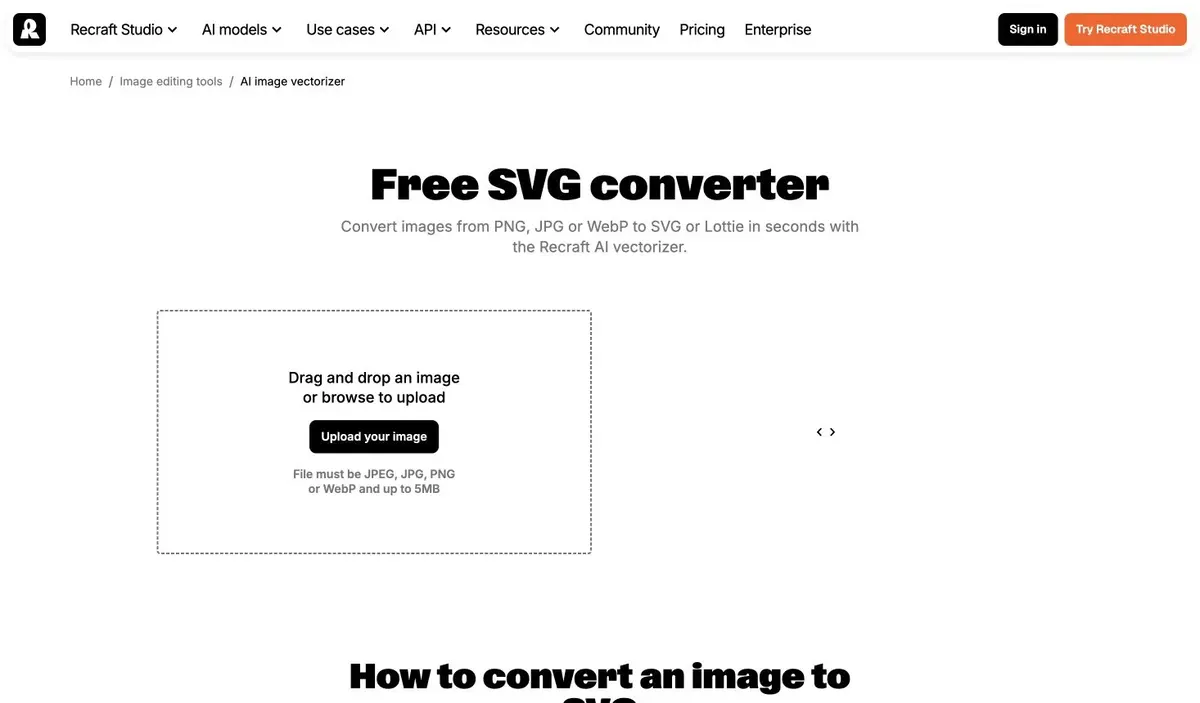
Vectorizing a supplied PNG is a different task from generating a new vector illustration from a prompt. The first needs an acceptance comparison against the supplied subject; the second may deliberately invent a new composition. A shared product interface does not make those requirements interchangeable.
This route is relevant when the desired revision concerns the vectorized artwork and its colours. The exact geometry, account path and output need inspection before treating a public demonstration as evidence for a client asset.
No prompt generation, account workflow or export was operated during review. Claims about conversion speed, flawless curves, smaller files or universal application compatibility are not adopted here.
Vectorizer Lab: compare controls with the required feature
GetIllustrations’ Vectorizer Lab documents a browser tracing studio with colour, cleanup, smoothing and corner controls. The inspected starting studio exposed presets, tracer selection, Auto and Convert, plus a comparison stage and a colour-layer area.
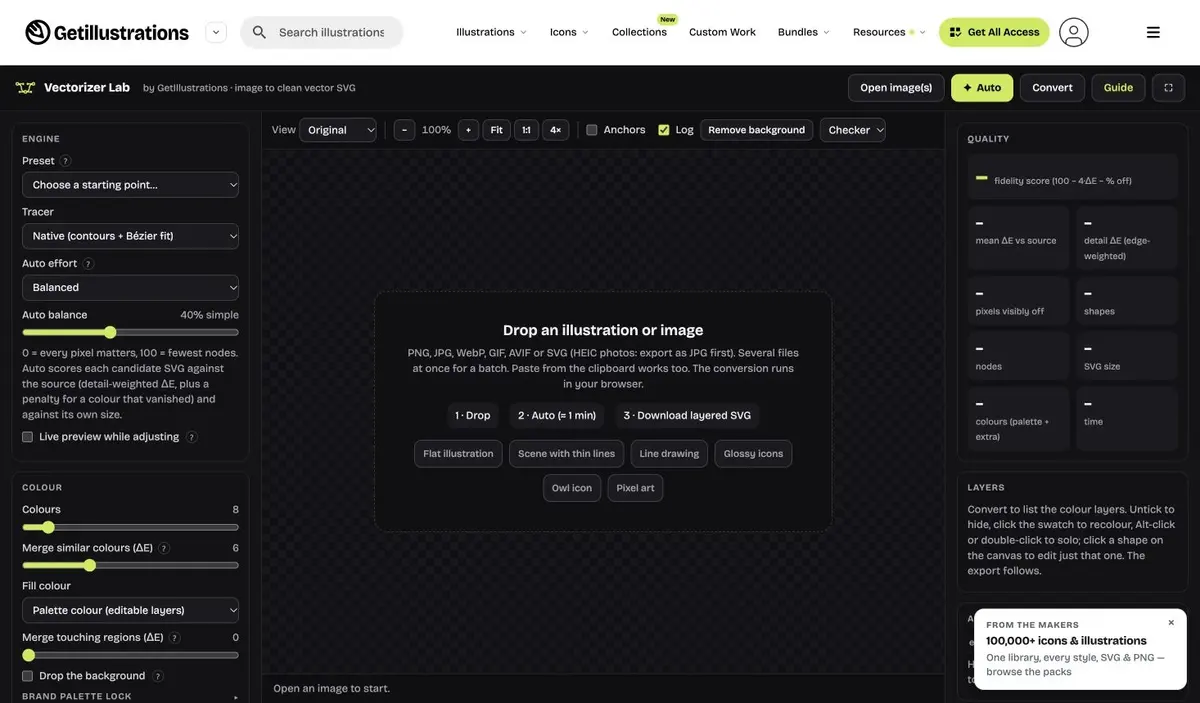
This is useful when settings need to be part of the review rather than hidden behind one conversion button. A colour limit or cleanup choice can change what the result retains. The operator still needs to identify which details are intentional before adjusting those controls.
The studio’s quality panels and scores belong to its own method. An apparent improvement in a provider score cannot establish that a letter counter, narrow gap or small brand detail remains correct. Those requirements belong in a separate acceptance record.
The public studio was opened without loading artwork. Empty result panels in the screenshot are intentional; they are not failed conversions. Provider documentation describes browser-local operation, but network behaviour, download access and third-party editor imports were not audited.
Vectorizer.AI: separate the preview decision from download access
Vectorizer.AI presents a raster-to-vector workflow with an interactive preview and several output formats, including SVG. Its public page distinguishes the free preview from downloading a result and describes controls for the reconstructed geometry and palette.
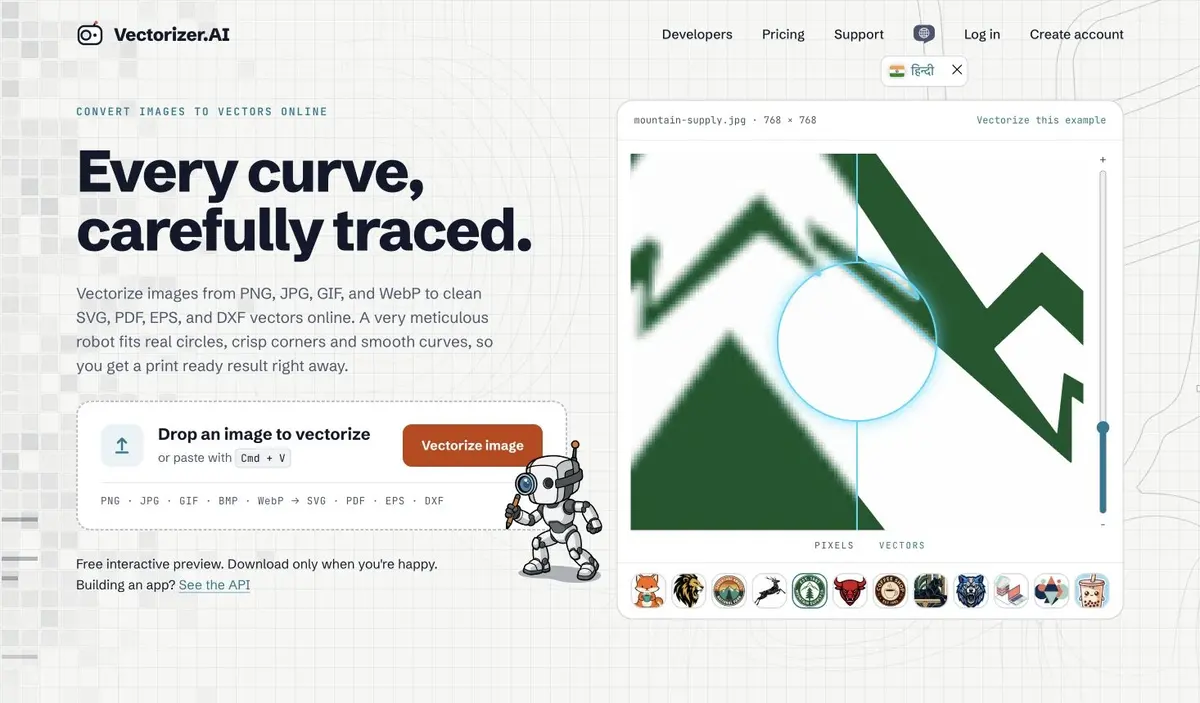
A preview-led route can help the operator examine a proposed reconstruction before deciding on delivery. The important question is whether the particular input’s required shape survives, rather than whether a promotional sample looks smooth.
The screenshot’s example belongs to Vectorizer.AI. No Upslide image was uploaded, and no downloaded output, paid feature or production integration was tested. Download entitlement and current terms should be checked for the selected workflow.
SVGcode: make the tracing settings inspectable
SVGcode is an open-source browser app. Its official repository identifies Potrace compiled to WebAssembly and SVGO in the workflow. The loaded public interface exposed colour and monochrome options, speckle suppression, stroke width and colour-channel controls.
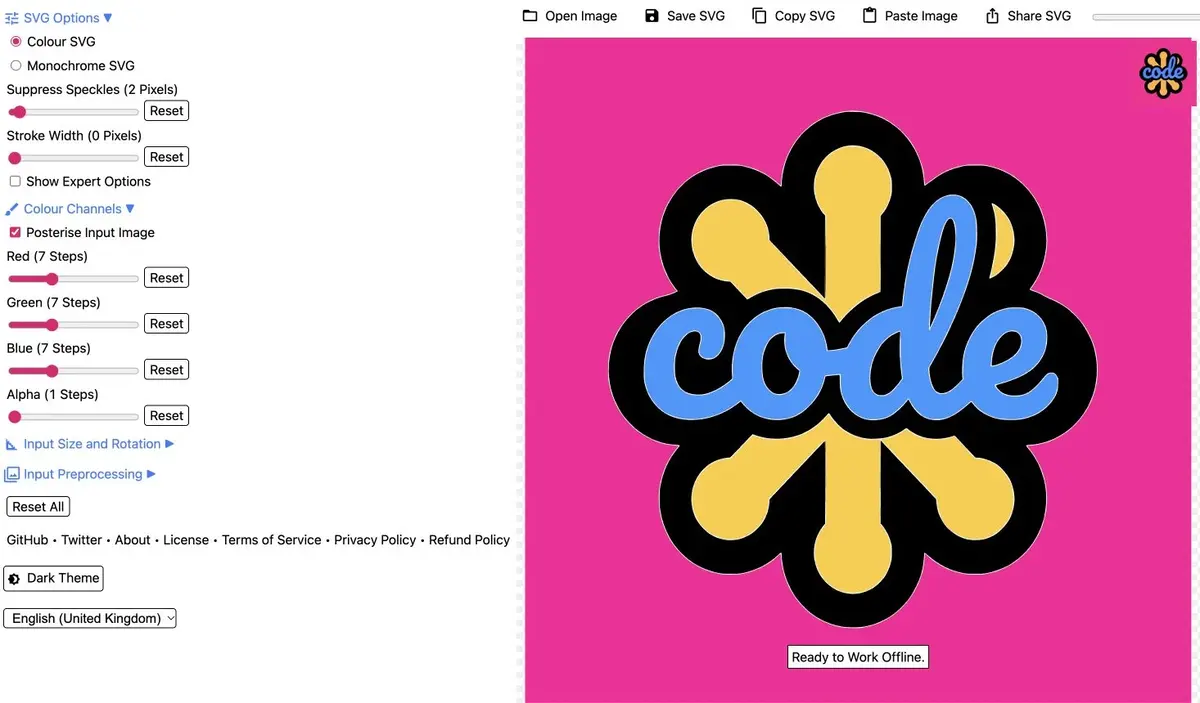
This route is worth investigating when the team wants visible processing controls and access to the app’s source information. The displayed example was the app’s default sample, not a file opened or converted for this article.
A setting labelled speckle suppression needs a purpose: removing unwanted noise is different from discarding an intentional small mark. Similarly, a monochrome threshold is an interpretation of the source, not automatic recovery of its original construction.
The app displayed a ready-to-work-offline message, but no installation or offline session was tested. Open-source availability is not a substitute for reviewing the selected build, output and project requirements. No blanket privacy or commercial-rights guarantee follows from this preview.
Fit and limitations
Choose reconstruction when reconstruction is acceptable
A clean, limited-colour mark gives a different tracing problem from a photograph, translucent shadow or textured illustration. A photographic source may require many interpreted regions to approximate its appearance; that may be unnecessary when the real need is placing a finished image.
The source itself can also be insufficient. Enlarging an input does not establish which missing curve or tiny detail the original designer intended. For a critical logo, obtaining the maintained source or arranging a deliberate redraw may be more useful than repeatedly changing converter settings.
These are selection decisions rather than promises about a particular engine. This review did not run the same artwork through six tools or measure their output quality, speed, path counts or file sizes.
Inspect subject-level geometry rather than one file marker
MDN’s SVG image reference confirms that SVG can include raster images. A mixed document can therefore have real paths while the important subject remains an embedded PNG.
Conversely, useful vector geometry can use rectangles, circles and other shapes rather than path elements alone. Counting paths or looking only for their presence is an incomplete acceptance test.
Locate the subject required by the brief and inspect how it is represented. Then perform the intended edit or geometry review in the actual receiving environment. The published icon-library guide addresses the separate question of selecting a suitable icon vocabulary; conversion does not solve that choice.
Keep operational and usage boundaries explicit
A public upload button is not a completed export test. A provider’s local-processing statement is not a network audit. A free-preview label is not proof of free download or rights to the uploaded artwork.
Preserve the input’s provenance and applicable permission alongside the conversion record. For confidential material, review the specific processing route and current organisational requirements before using an online service. This article does not certify any provider’s retention enforcement or security controls.
Use Daily Inspire for credited visual references when discussing how an illustration supports a page. A website screenshot cannot supply the original artwork’s paths, source rights or conversion settings.
How to choose
Start with a named acceptance feature
A useful brief names a feature that must survive: one enclosed opening, two separated strokes, an intentional dot or a colour region that must remain independently editable. It also identifies the receiving application and expected delivery.
That feature gives cleanup and simplification a constraint. Without it, “fewer objects” can appear attractive even when the result has changed the intended form.
The following original exercise tests that point using a deliberately small input and a fully declared local conversion method. It is not an evaluation of any tool above.
Inspect two actual local vectorization outputs
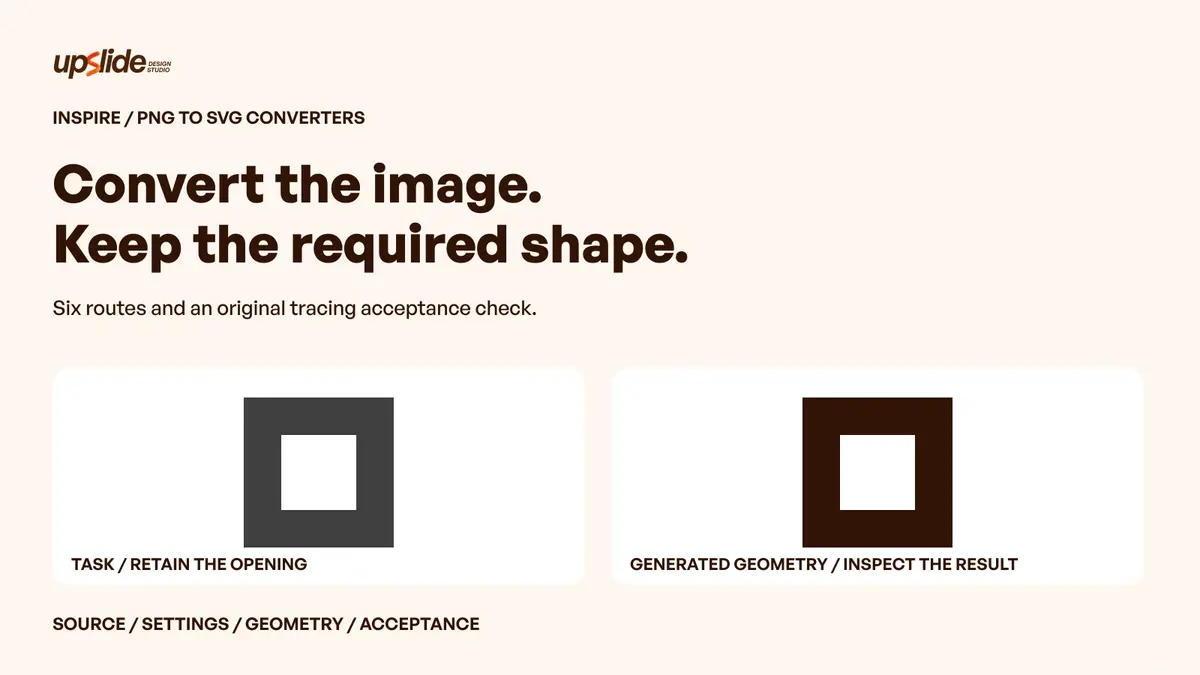
The original raster is eight by eight pixels. A four-by-four dark ring uses grayscale value 64; its two-by-two pale centre uses 160; the exterior is white at 255. The declared monochrome task requires the centre to become an opening.
The local method classifies a pixel as foreground when its value is at or below a selected threshold. It then emits each horizontal foreground run as an SVG rectangle. It performs no curve fitting or smoothing, and it does not use a vendor’s tracing algorithm.
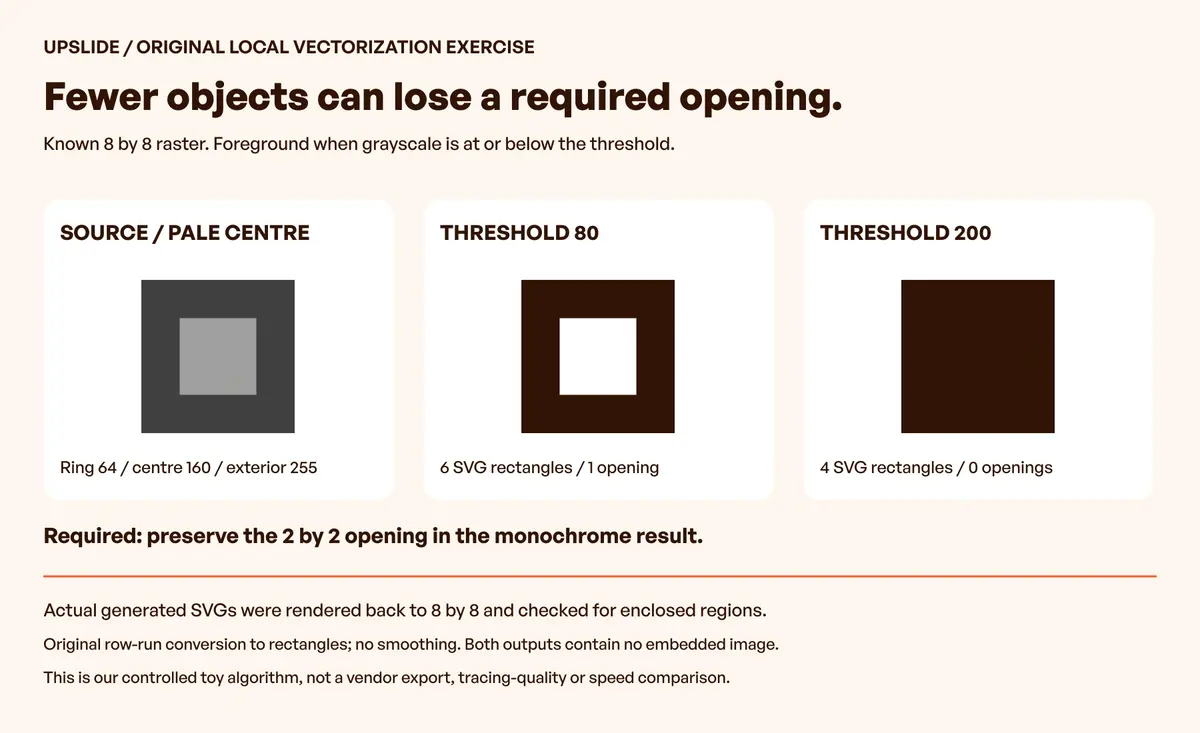
At threshold 80, the output contains twelve foreground cells represented by six rectangles, with one enclosed four-cell opening. At threshold 200, it contains sixteen foreground cells represented by four rectangles, with no enclosed opening.
Both outputs contain actual geometry and no embedded image. The SVGs were rendered back to eight by eight pixels; their masks matched the declared classifications. A separate four-neighbour flood-fill check confirmed one enclosed background region in the first output and none in the second.
The lower object count is therefore insufficient for this declared task. The four-rectangle output filled the required opening. That is a bounded result about this constructed raster and method, not evidence that a named converter loses counters or that threshold 80 is appropriate for other images.
The source PNG, generated SVGs, settings and inspection record were retained with the research. A browser view confirmed the six-rectangle and four-rectangle documents and showed both rendered results.
Retain a source-to-acceptance record
A short record makes the conversion review repeatable without pretending that one quality score covers every requirement.
| Record | Original exercise example | Project decision it supports |
|---|---|---|
| Input | Known eight-by-eight grayscale raster | Which source and resolution were actually used? |
| Required feature | One two-by-two enclosed opening | What must survive the reconstruction? |
| Method and settings | Local row-run conversion, thresholds 80 and 200 | Which interpretation produced the result? |
| Geometry | Six rectangles versus four; no embedded images | What actually represents the subject? |
| Feature inspection | One opening versus none | Does the result meet the named requirement? |
| Receiving review | Raster verification and current browser view | Where was the output checked, and what remains untested? |
For a real illustration, replace the toy method with the selected tool and record the controls actually used. Compare the required features against the original, inspect editing control and reopen the delivered file in its destination.
Keep a rejected result when it explains a meaningful tradeoff. A trace that deliberately removes noise may be useful; one that removes an intentional mark needs a different decision. The same visible change can have a different meaning in another brief.
Accept the complete delivery, not only the preview
Keep the original input, reviewed SVG and any finished raster export distinguishable. Record whether the delivery intentionally retains images, masks or other dependencies, rather than assuming every SVG must be geometry only.
If the intended feature cannot be reconstructed reliably, obtain a better source, adjust the task or redraw it explicitly. The conversion should make the remaining work visible instead of turning an uncertain preview into a promise of editability.
Frequently asked questions
Does saving a PNG as SVG automatically vectorize it?
No. An SVG can contain an embedded raster image. Inspect the required subject and its actual representation; an extension or the presence of an unrelated path cannot establish that the subject was traced.
Which PNG-to-SVG converter is best?
The useful route depends on the input, required edits and review controls. Compare the selected workflow against named features such as openings, gaps and colour regions. This guide reports public source inspection, not a six-tool quality ranking.
Can tracing recover the original logo perfectly?
Tracing interprets the supplied pixels. It does not establish the original designer’s intended geometry or recover every missing detail from a small raster. Seek the maintained source or a deliberate redraw when exact brand geometry matters.
Is a smaller object count always better?
No. In the original local exercise, the result with four rectangles lost the required opening, while the six-rectangle result retained it. Complexity should be judged alongside the actual feature and editing requirement, not as a universal quality score.
Do all vector objects use SVG paths?
No. SVG includes other geometric elements. The original exercise emits rectangles as real vector geometry. Review the objects representing the subject rather than treating one element count as proof of successful or unsuccessful conversion.
Can a photograph be converted to SVG?
A tracing workflow can approximate raster regions, but that does not mean the result is useful for every photographic task. Decide whether the project needs editable simplified geometry or simply a finished image; those deliverables serve different requirements.
Are the tools in this guide confirmed free to download from?
No blanket download entitlement is established. Some public pages advertise free actions or previews, while account and delivery conditions differ. The review did not complete a download from any provider; verify the actual route before relying on it.
What should stay with the converted file?
Retain the source, provenance, relevant permission, method, settings, reviewed output and acceptance notes. Identify any embedded content or required dependencies, and keep the maintained vector file separate from a flattened delivery image.
Key takeaways
- Define the shape and editing control the conversion must retain.
- Compare the actual tracing route, review controls and download boundary.
- Inspect the required subject, not only its extension or a path count.
- Check openings and intentional details before accepting simplification.
- Preserve source, settings, output and destination review together.
For recurring reconstruction and product-visual decisions, we can help through Upslide’s design services. Apply the same source and acceptance checks to the finished work.