


How do you choose an AI video generator when a striking demo doesn't show whether you can revise the result? A design team needs to evaluate the next edit as carefully as the first clip.
For a SaaS launch, a useful output might be a short visual metaphor, an animated campaign illustration or supporting footage. The selection should follow that job, the assets the team can supply, and the details that must remain accurate.
This guide compares six resources available through Inspire's Resource Box using official descriptions and inspected public previews. It adds an original shot brief and acceptance board so teams can evaluate their own results; no generated clips, speed benchmark or universal quality ranking are claimed.
Design task
Decide what the video must communicate
“Make something cinematic” leaves too much unresolved. A team choosing a generator should first state what the viewer needs to understand and where the video will appear.
An abstract movement behind a launch headline has different requirements from a product demonstration. The former may tolerate invented objects; the latter needs to represent a real interface or feature accurately.
Write a small production brief:
- Purpose: The idea or action the viewer should understand.
- Input: Text, an approved image, existing footage or a combination.
- Protected details: Anything that must remain accurate across the clip.
- Motion: The subject's action and the intended camera behaviour.
- Delivery: Placement, shape, length, sound and review owner.
- Revision: The change most likely to be requested after the first review.
A promising first clip is only part of the decision. The team also needs a workable revision path.
Separate the model from the workspace
An AI video model produces or transforms video. The workspace around it determines how a team supplies references, selects settings, compares attempts and moves the accepted clip into an edit.
Several platforms now present models from multiple providers. Two subscriptions can therefore offer overlapping generation technology while providing different workflows and account conditions.
The comparison should identify both the platform and the model used for a particular attempt. A result labelled only with the platform name is harder to interpret when its selected model or settings change.
Keep exact product behaviour in a dependable medium
A generated marketing scene shouldn't be treated as evidence that a SaaS feature works. If the video explains a real click sequence, preserve accurate interface content and review the demonstrated behaviour against the product.
A screen recording or deliberately authored animation may be the more appropriate source for that portion. Generative footage can still contribute a surrounding scene or visual metaphor when its role is clearly separated.
This guide focuses on generated clips and their creative workflow. It doesn't compare avatar presenters, webinar clipping tools or transcript editors as though they perform the same task.
Resource collection
Compare six entry points by the question they help answer
The order below isn't a ranking. Each resource needs an account-specific review before a team assumes access to a particular model, output mode or commercial-use arrangement.
| Resource | Official capability relevant to this brief | Useful evaluation question | Check before committing |
|---|---|---|---|
| Runway | Generation and editing across video, image and audio | Can the team carry a selected shot into the required revision workflow? | Selected model, account access, export and credit conditions |
| Adobe Firefly | Text/image video generation with editing and partner-model routes | Which model and editing route serve the actual deliverable? | Model-specific terms, available controls and regional plan details |
| Krea | Video generation alongside reference and transformation tools | Does the workspace help maintain a useful reference-to-iteration process? | Model choice, compute usage and output conditions |
| Luma | Creative workspace plus documented keyframe and modification workflows | Which current route supplies the desired reference or frame control? | Current interface, model and documentation version |
| Pika | Video studio and focused motion or extension tools | Is the job original generation, a controlled effect or extending an existing clip? | Exact tool, export conditions and current agreement |
| Leonardo.Ai | Text-to-video, image-to-video and reference-led workflows | Can a prepared design image anchor the chosen video process? | Selected model, available controls, privacy and plan access |
Open the Resource Box to keep these sources in a shortlist. The resource card is a discovery entry, not approval for every feature or use of the service.
Runway: inspect the complete creative route

Runway's official site describes a creative platform for generating and editing video, images and audio. It also separates its creative workspace from developer and enterprise routes.
For a design team, the useful evaluation is the transition from an accepted shot to a requested change. Record which model produced the shot and which editing process is available for revising it, rather than assume every tool applies to every generation.
The existing preview is a public brand landing capture. It isn't a completed video test, and the provider's sample quality isn't presented as an Upslide result.
The current pricing page distinguishes access and usage by plan. Review the actual route and output requirements before estimating what an account can deliver.
Adobe Firefly: identify the selected model
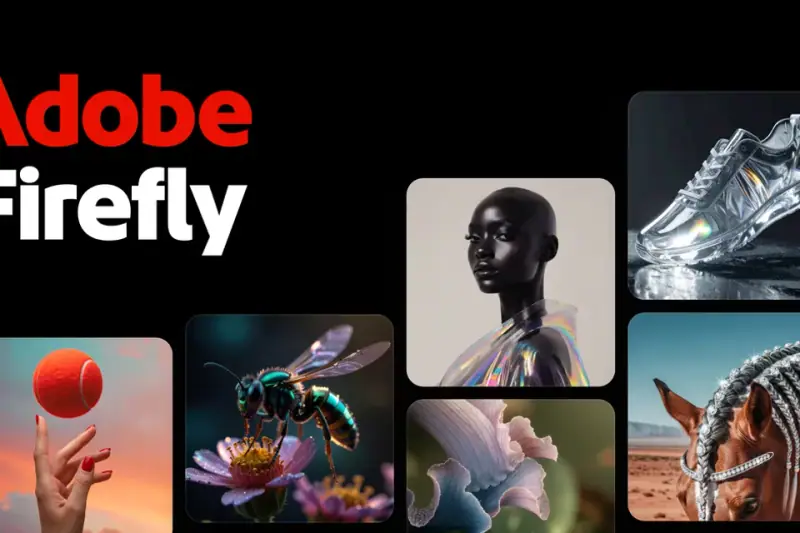
Adobe's video-generation page describes creating clips from text or images and provides editing and partner-model routes. Its interface presents more than one model choice.
That makes the model part of the decision record. A statement about one provider's model shouldn't silently become a promise about every option available inside the same workspace.
For the launch brief, investigate where the accepted clip will be trimmed, assembled or revised. The public feature description provides routes to evaluate; this article doesn't certify that every account can use them.
The captured preview is promotional artwork from the existing directory, not an output generated for this comparison. Exact prices aren't reproduced because the checked page displayed regional pricing and time-sensitive offers.
Krea: review the reference and iteration workflow
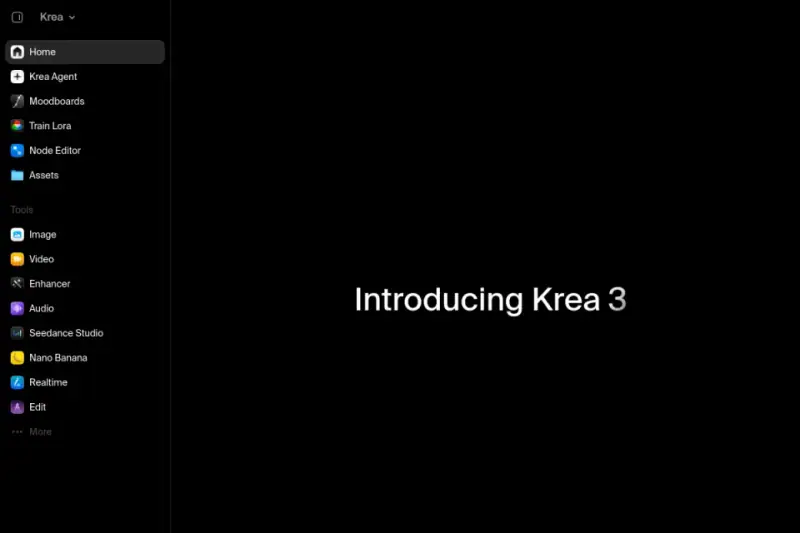
Krea's official website lists video generation, image-to-video, video restyling and other creative tools. It also presents access to models from multiple providers.
The practical question is whether the selected combination helps the team move from an approved reference to a reviewable variation. Keep the input, model, settings and chosen output together so a later revision doesn't start from an unexplained thumbnail.
The existing preview shows a workspace navigation and promotional introduction, including a Video entry. It doesn't prove a particular model was available or that a generation was completed.
Check Krea's plan information for the actual model and usage route. A platform-wide credit or compute figure isn't a universal count of finished clips.
Luma: distinguish current entry points from older guidance
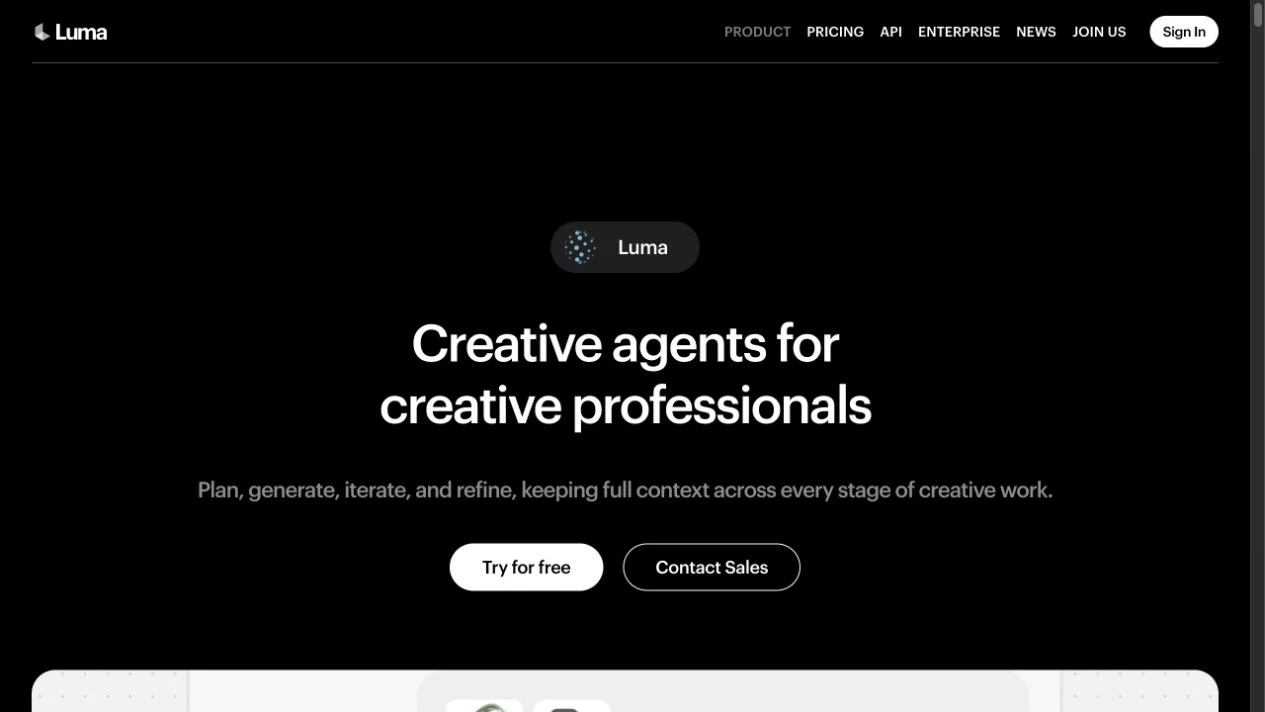
During this review, the former Dream Machine landing address redirected to Luma's current creative workspace page. The page describes planning, generation, iteration and refinement across creative work.
Luma also maintains Dream Machine keyframe guidance describing start and end images, plus Ray3 modification guidance. These are useful references for a frame-led task, but their dates and product context matter.
The team should confirm how the documented control maps to its current model and interface. This guide doesn't assume that an older tutorial's menus, limits or subscription conditions apply unchanged to the current workspace.
The new preview shows the current public product page reached through that redirect. No authenticated creation interface or generated result is shown.
Pika: choose the specific video task
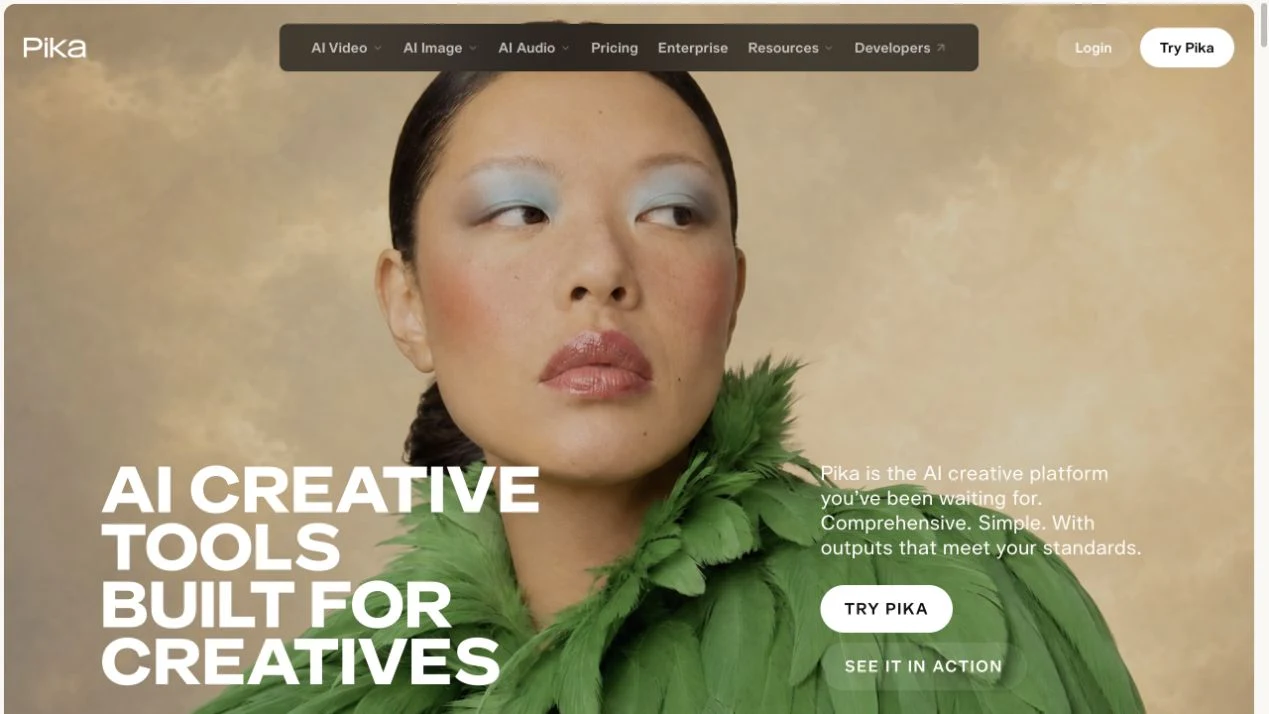
Pika's official website presents a video studio and separate routes for tasks such as motion transfer and clip extension. It also lists multiple models.
For a campaign concept, identify whether the team needs to create a new shot, transform existing material or extend an accepted clip. Those are different evaluation tasks, even when their entry points share one platform.
The public landing preview was captured for this guide. Featured imagery and provider examples remain Pika's presentation, not work created or tested by Upslide.
Pika's pricing page lists watermark removal and a commercial licence as separate fields. The checked free-plan card illustrates the distinction: it lists no watermark while excluding a commercial licence. Confirm the actual agreement for client distribution rather than infer rights from a clean export.
Leonardo.Ai: begin with the design asset
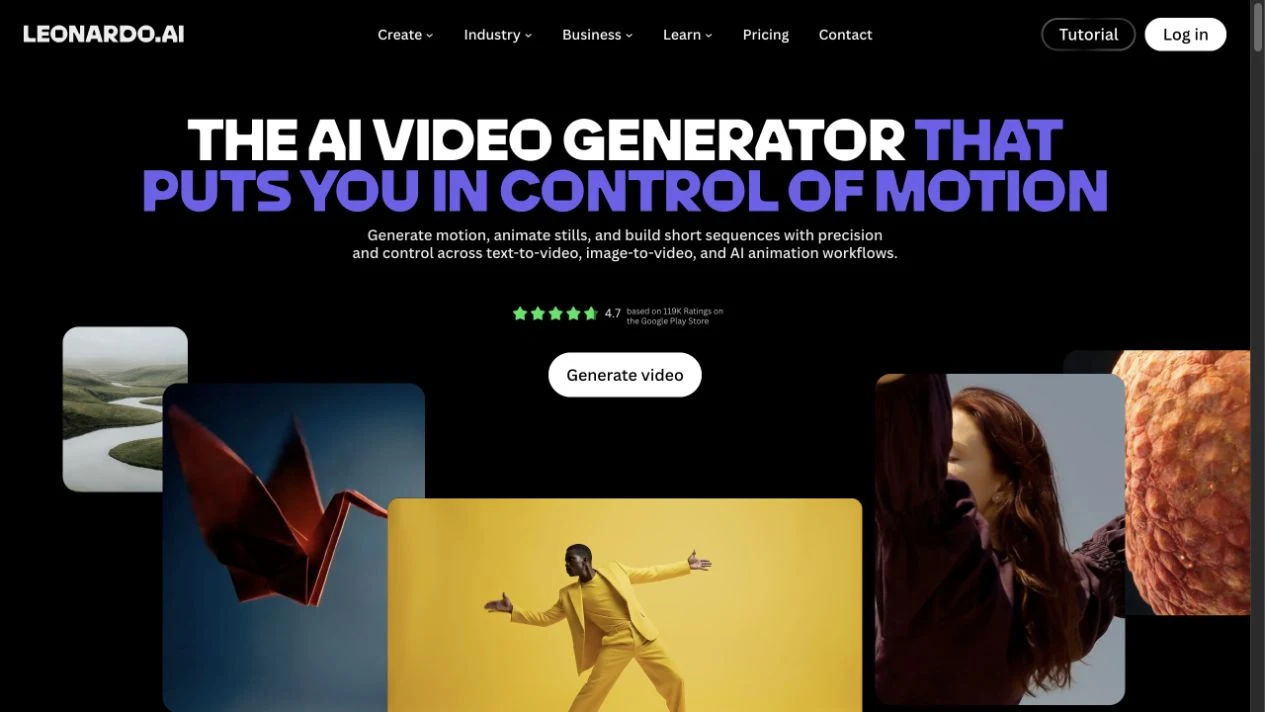
Leonardo's video-generation page describes text-to-video and image-to-video, reference frames and model selection. That makes it a relevant option when the team already has an approved still image to investigate in motion.
The useful test is whether the important properties of that image survive the requested action. An attractive moving scene can still fail if it changes the product silhouette or introduces an unintended object.
The preview is the actual public video page, including provider artwork and promotional ratings. Those ratings aren't used as evidence for this article's recommendations.
Review Leonardo's current plans for the selected access route and privacy conditions. A free starting account isn't evidence that every video model or private-generation mode is included.
Fit and limitations
Use a fictional shot brief to compare control
Consider a SaaS launch image containing three cream tiles that represent incoming requests. The intended motion brings those tiles into one tidy tray, suggesting organised work without depicting a literal product interface.
The original teaching board below defines the input, intended ending and rejection conditions. It is a storyboard designed by Upslide, not frames extracted from an AI-generated video.
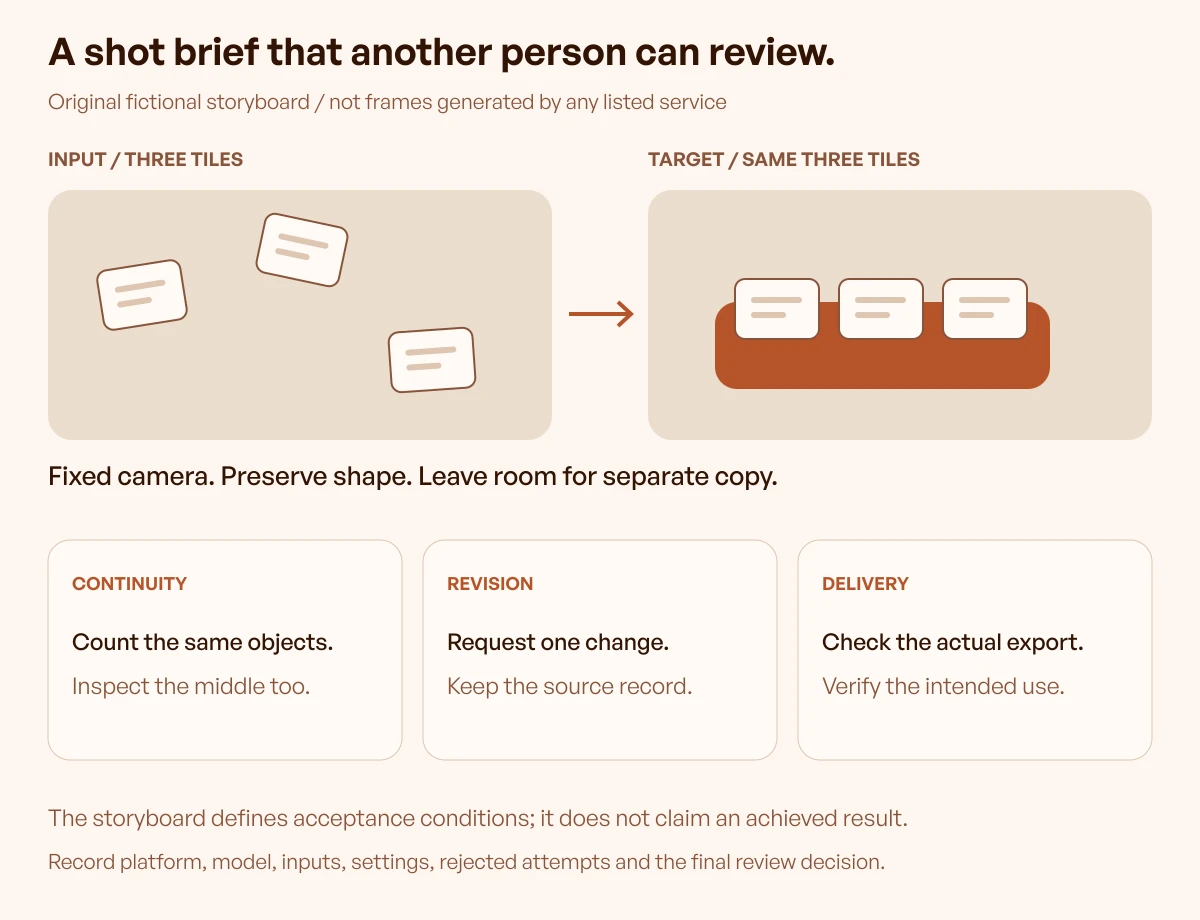
The brief preserves a deliberately small set of requirements:
- Exactly three tiles remain present throughout the action.
- Their shape and colour remain recognisable.
- The camera stays fixed for the first comparison.
- The final arrangement leaves space for a separately added headline.
- The scene contains no generated logo, interface label or product claim.
An illustrative prompt could read: “Three cream rectangular tiles move gently into one terracotta tray on a warm studio surface. Fixed camera, soft side lighting, restrained movement. Preserve the number and shape of the tiles, ending on a settled arrangement with open space beside the tray.”
This prompt is an input proposal, not a recipe tested in the listed services. Each tool may require different supported settings; the evaluation should record those differences instead of pretend the controls are identical.
Judge the whole clip and the next edit
Review the opening, middle and end, then watch the full transition. A correct first and last frame doesn't establish that the middle preserves the object count or follows the intended movement.
Use concrete acceptance questions:
| Review area | Pass condition for this fictional brief | Example reason to reject |
|---|---|---|
| Meaning | The movement still suggests organising the same items | New objects change the idea |
| Continuity | Three recognisable tiles persist | A tile disappears or merges |
| Composition | The settled frame preserves the headline area | Objects drift into the copy area |
| Motion | Restrained movement and fixed camera fit the direction | An unexpected camera move changes the shot |
| Revision | The requested change can be attempted through a documented route | The team cannot identify the source or settings |
| Delivery | The accepted asset meets the actual placement and agreement | An export or rights condition remains unresolved |
After the first review, request one practical change: keep the same composition but slow the settling motion. The team should record whether that means changing a supported control, revising a prompt, modifying a clip or generating a new attempt.
No outcome is assumed. The purpose is to discover the workflow's limits before a launch depends on them.
Preserve the difference between a concept and a product claim
The fictional tiles communicate a metaphor, so they can tolerate a style that wouldn't be appropriate for a literal screen demonstration. If the launch instead needs to show a real approval workflow, use accurate interface assets and review every demonstrated state.
Generated labels or invented controls can make a video look plausible while misrepresenting the product. Keep precise copy, logos and necessary product behaviour under an appropriately controlled authoring process.
For visual context, the SaaS website examples guide helps compare page arguments and supporting imagery. It doesn't establish which generation tools the featured companies use.
How to choose
Shortlist by the missing capability
Begin with the team's existing editor and approved assets. Add a generator when it resolves a concrete gap, such as exploring motion from an illustration or producing a scene that the team can't readily capture.
The shortlist can then answer a narrower question than “Which tool is best?” For example: “Which workflow lets the designer explore this metaphor while preserving three objects and leaving room for campaign copy?”
Select a small initial comparison across genuinely relevant resources. Six sources provide a discovery set here; the team doesn't need six subscriptions to make one decision.
Record the cost of an accepted result
A subscription price alone doesn't describe the effort required to finish a shot. The comparison should account for attempted generations, rejected outputs, revisions and any additional editing needed before acceptance.
Keep money and time as separate observations. A workflow may fit a budget while being too unpredictable for an urgent deadline, or require more editing effort than the original plan allowed.
For a real trial, record:
1. The platform, model and account route. 2. The input files, prompt and relevant settings. 3. Each attempted output and the review decision. 4. The credits or charges actually consumed, where visible. 5. The revision work and final export.
This guide provides no measured cost per accepted clip. Its checklist helps the team collect that evidence rather than turn a provider's credit estimate into a promise.
Verify the intended use before distribution
Check the agreement and plan for the actual service and selected model. Confirm the intended distribution, client use, export restrictions and any watermark or attribution conditions that apply.
Also preserve permission for supplied images, footage, music, logos and any person or voice references. A platform's output terms don't by themselves establish that the team had permission to supply every input.
Where rights or access remain unclear, keep the asset in review and use an alternative approved route. The resource comparison isn't a substitute for the applicable agreement.
Keep the final handoff recoverable
Save the accepted clip with its input assets, settings, review notes and editing project where available. Identify any independently added text, audio or branding so a later change can be made without guessing how the final asset was assembled.
The daily Inspire gallery can help a team study movement's role in a page's composition and hierarchy. Treat it as visual context, credit original creators and avoid inferring hidden model choices or performance results from a public page.
For this guide, daily references are optional. The worked example is original, so publication doesn't depend on tomorrow's curated picks.
Frequently asked questions
Which AI video generator is best for a design team?
The useful choice depends on the input, desired motion, protected details and revision requirements. Use the same production brief to evaluate a short relevant selection, and record the actual platform, model and account route rather than rely on a universal ranking.
Is image-to-video preferable to text-to-video?
An approved image can give the evaluation a clear visual starting point, while text can support broader exploration. Neither route guarantees that every detail survives; review the actual clip against the requirements that matter to the project.
Can a generated clip replace a SaaS product demonstration?
Only if the final material accurately represents the product and passes the team's review. For precise interface behaviour, accurate recordings or deliberately authored motion may be more suitable than a generated scene that invents controls or labels.
Does access to the same model mean two platforms are equivalent?
No. The surrounding controls, reference handling, account limits, editing routes and export conditions can differ. Record the specific workflow used for the test as well as the model name.
Can free outputs be used in a client campaign?
That requires checking the actual service agreement, selected model and plan. A free sign-up or an export without a watermark doesn't by itself establish permission for every commercial distribution or clear rights in supplied inputs.
What should be reviewed between the first and last frame?
Inspect continuity, object count, shape, unintended additions and the requested movement throughout the transition. Correct endpoints can conceal a middle section that changes the intended meaning or makes the shot unusable.
Were the listed tools tested with the sample prompt?
No. Official descriptions and public previews were reviewed, and the storyboard is an original teaching exercise. The guide doesn't claim generated outputs, a hands-on benchmark or a measured winner.
When should this comparison be updated?
Recheck when the selected model, interface, plan, terms or project requirements change. Preserve the date and account route for any actual trial so later readers can distinguish an earlier observation from current access.
Key takeaways
- Define the video's job and protected details before selecting a generator.
- Identify both the model and the workspace used for an attempt.
- Evaluate the full clip and a realistic revision, not only a striking opening.
- Keep exact product behaviour separate from a generated visual metaphor.
- Verify actual access, export and use conditions before distribution.
- Preserve the inputs and decision record so another person can continue the work.
We help SaaS teams connect visual storytelling with clear product communication. For structured design practice, explore the free Upslide UI/UX course.